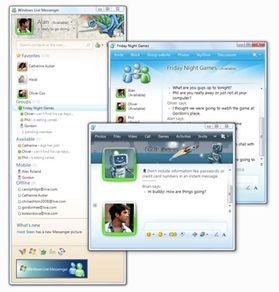
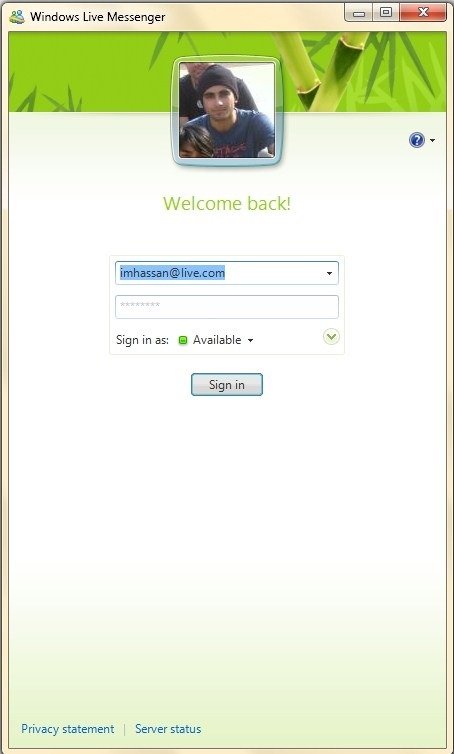
 The new Windows Live Essentials Beta applications are available for download now at http://download.live.com/. They have been updated to match the Windows 7 UI. Windows Live Messenger now has jump lists and new status icons in the superbar in Windows 7. The new sign in UI looks superb as well. Most other features have carried on from the last beta. For a review of them, check out Redmond Pie. Here’s a quick review of what you’ll find in the updated Windows Live Messenger.
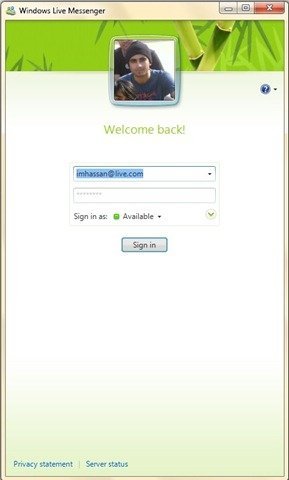
The new log UI. This is vastly different from what WLM looked through out beta testing and I’m not sure if I like this look more or the jelly-buttons that were present through the beta. But this look sure does sit in well with Windows itself.
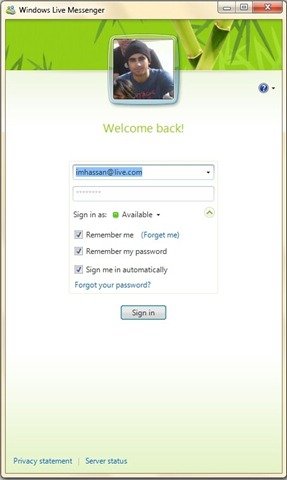
More options are now available in the drop down menu.
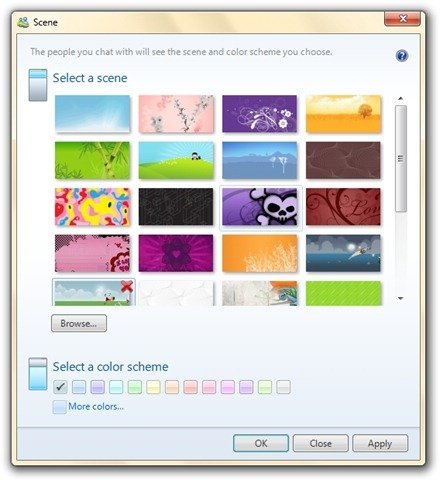 A lot more scenes added than before. Most of theme match the customized headers used in Windows Live Services.
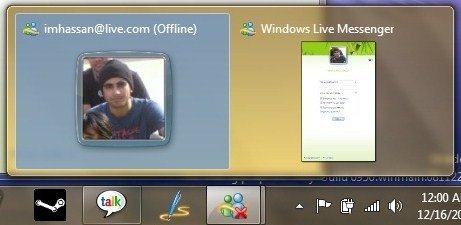 The thumbnail preview shows the image of the logged in user. This gets kind of annoying since for one app, it shows two thumbnail previews ( and one of them isn’t an active Windows, there’s just one active window )
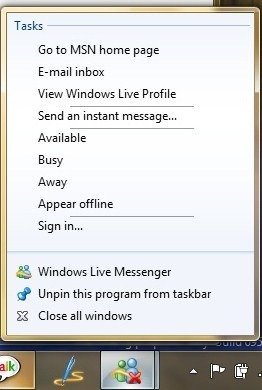
The messenger jump list. Notice the new icon shows the status. The system tray icon is history now.
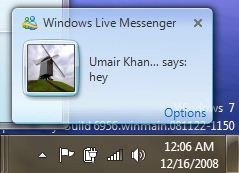 The new notifications. Again, showing the glass effect around the user profile image. Sits in well with Windows’ glass UI.
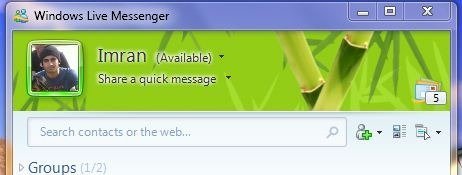
New mail button. Shows the Windows Live Mail icon along with the unread count.
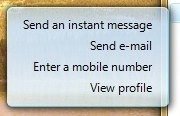 The on hover menu has changed. This color scheme is also noticeable in the splash screens of Writer and Mail. But users would be mostly using the right click menu instead of this.
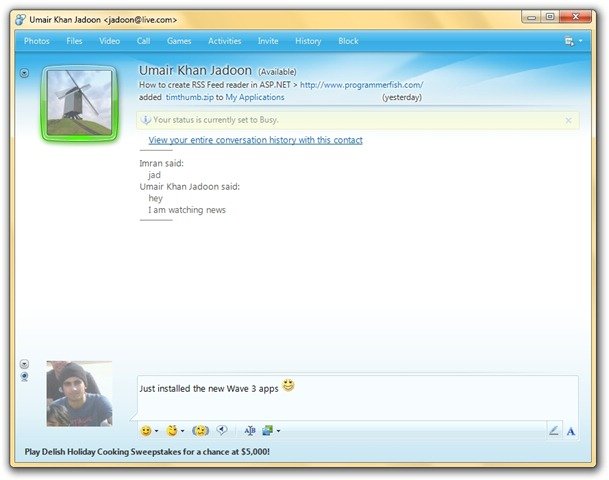 The button on the top have lost their icons to look more like the Windows 7 UI. The latest item from the What’s new list of a particular contact is shown under his/her personal message in the chat window. The UI of the IM window also shows a slightly different gradient at the bottom. Looks nice.
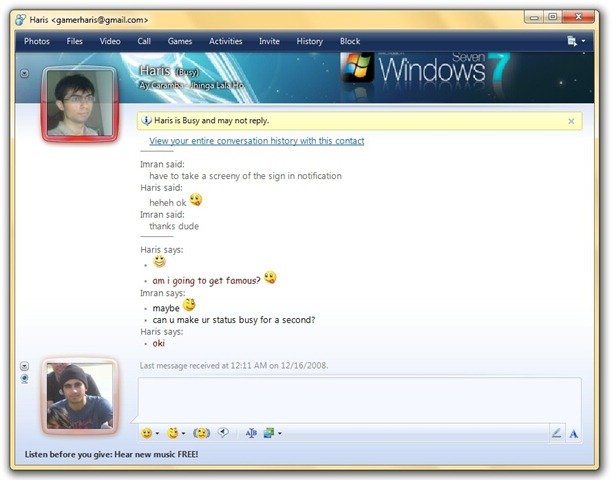 The status bar has also changed.
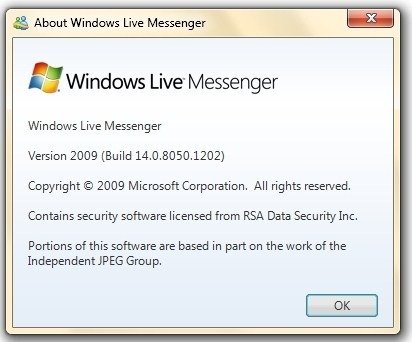
The About Box


good quick review.
When was this released, uh? Anyways, great review! And now I’m off to download the latest wave :)