Wikipedia is one of the biggest website on the internet where you can find everything you need to know about any specific topic you can think of. Ever thought of a way with which you can search Wikipedia with just a single click?

Well, there certainly is a tool, Wikipedia Companion, which allows you to search Wikipedia with just one click in Google Chrome. First of all, download and install the extension.
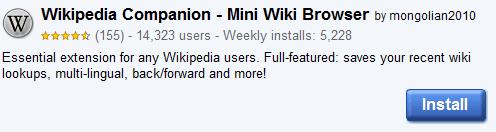
Once the installation is complete, a small Wikipedia icon will appear in your Google Chrome toolbar.
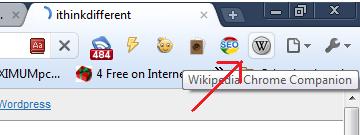
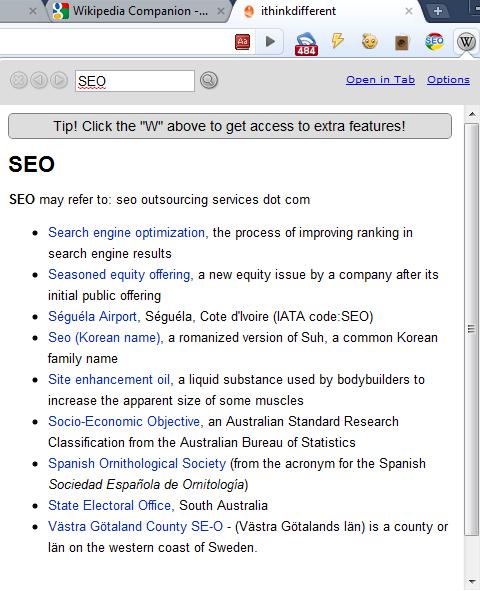
Click on the icon and it will open Wikipedia page in Google Chrome where you can perform the search about a specific topic. The extension is simply amazing and searches about the topic within a fraction of a second.
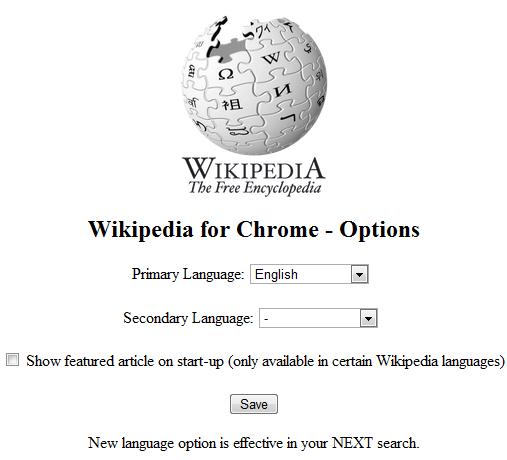
The extension comes with multilingual support and you can select your primary and secondary language in which the results will be displayed.
Other great features of Wikipedia Companion are:
- Instant popup; No delay, no unneeded loading from Wikipedia with our cache!
- Key focus: type the moment you open it!- Access to your recent wiki lookups across any tabs and pages!
- Back/forward button; Like a mini wiki browser!
- History can be cleared now
- Ability to open Wikipedia lookup in a new tab!
- Multi-lingual Wikipedia support.
- Option to open featured article on startup


Why not just use the omnibar?