Apple has turned on Stolen Device Protection for all iPhones with the first developer beta of iOS 26.4. Previously optional, this security feature is now active automatically after installing the update. That matters because it adds a stronger barrier against device theft and misuse, especially in cases where someone could learn a passcode by watching you unlock your phone.

Stolen Device Protection debuted in early 2024 with iOS 17.3 as an opt‑in setting. It was designed to keep sensitive data safe when the iPhone was physically stolen and the thief knew the passcode. With iOS 26.4, Apple moves it into the default configuration for everyone.
The protection works by requiring Face ID or Touch ID for actions that used to be possible with just a passcode. You can’t fall back to the passcode alone for things like viewing passwords and passkeys in iCloud Keychain or using payment methods saved in Safari AutoFill. Turning off Lost Mode in Find My, erasing all content and settings, applying for a new Apple Card, using Apple Cash or Savings transfers in Wallet, and even setting up a new device from your iPhone now need biometric authentication.
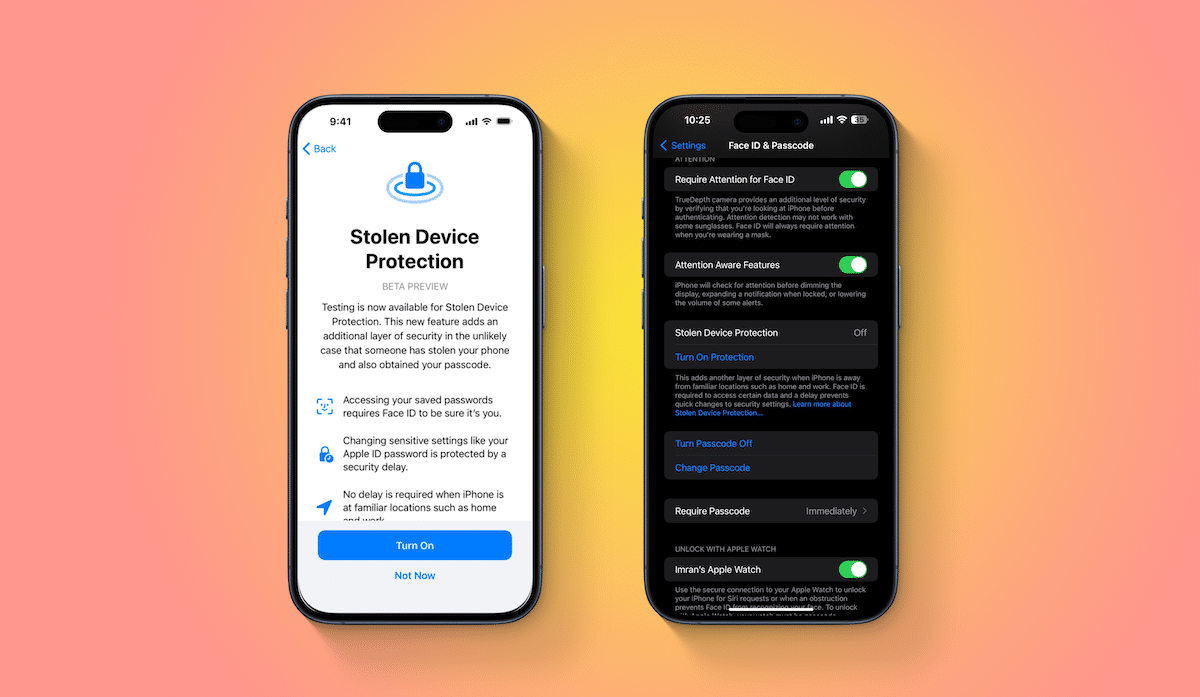
Some higher‑risk changes have an added security delay. If your iPhone is outside of a familiar location like home or work, you must authenticate with a biometric method, then wait about an hour before you can complete actions such as changing your Apple ID password, modifying Apple ID security settings, changing your device passcode, adding or removing Face ID or Touch ID, turning off Find My, or disabling Stolen Device Protection itself. This delay gives owners time to react if a thief has your phone and credentials.
At the time of writing iOS 26.4 is in developer beta with a wider spring release expected. If you want early access you can join the Apple Developer program and enable developer beta updates in Settings under General > Software Update > Beta Updates.