After a long time, YouTube’s iOS app has been updated with Google Cardboard support. This enables the app to playback videos in a virtual reality mode for users who have a Google Cardboard or a VR headset based on its specs, that can work with iPhones.
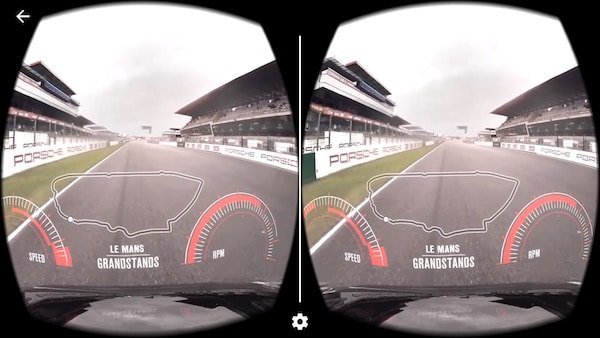
To watch videos in VR mode, go to any video in the YouTube app, tap the the three dots on the top right corner of the video player and then tap the cardboard icon that shows. The video will start playing horizontally in VR mode. This works for both 360 degree videos as well as regular videos. In VR mode, you can also select the compatible cardboard viewer you have, by selecting ‘select viewer’. This will let you scan it so Youtube can register the correct version.
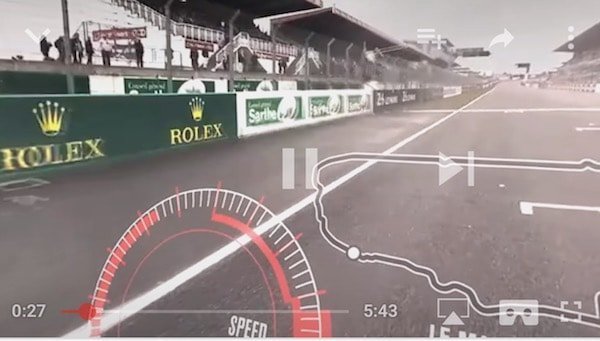
For best results, try to set the video quality to its highest setting before turning on cardboard mode. This will ensure that you get the least amount of pixelation during the video.


