 While using Live Search today ( yea, I use it! ), I came across this interesting new feature by chance which seems similar to Google Web History but isn’t. While Google keeps track of every search you make if its history option is enabled, Live Search History maintains a search record for maximum of 48 hours. You can also turn history off at any time or delete individual queries. While it is very helpful, it also seems to respect your privacy more than Google Web History does.
The options for History are very simple and let you delete individual queries, clear history or just turn it off.
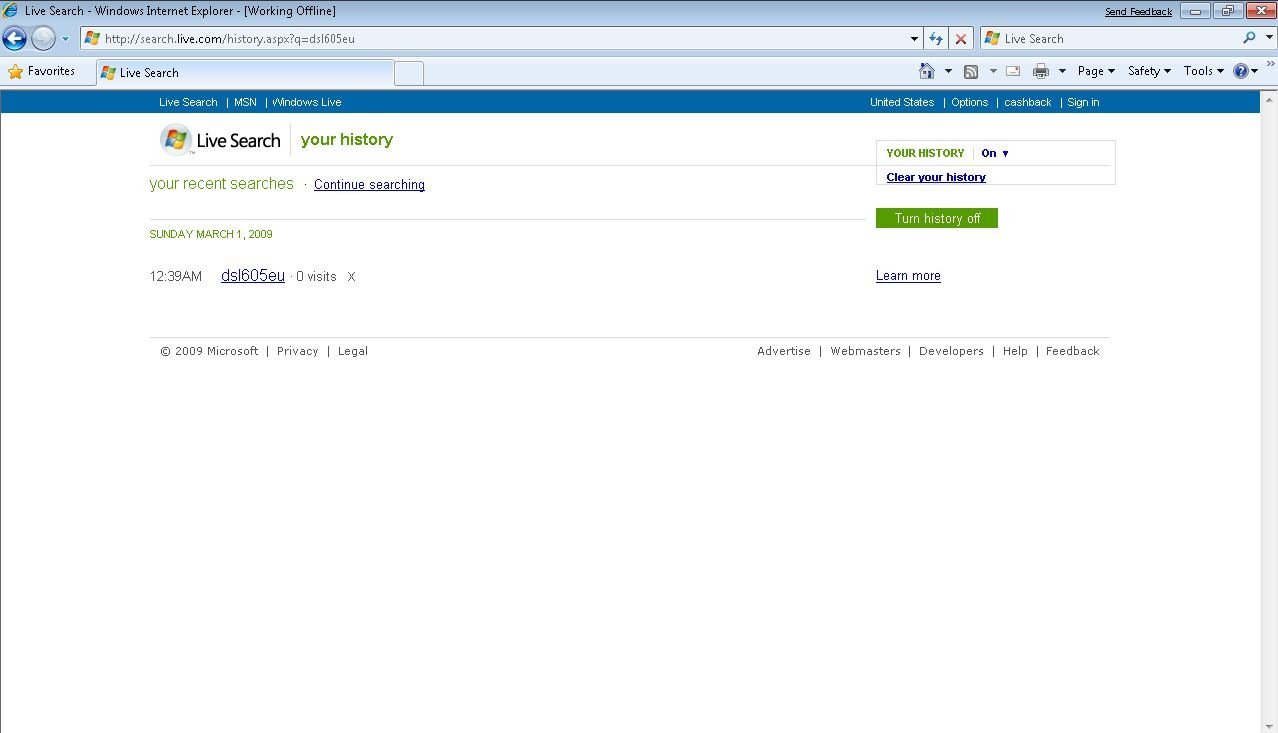
History isn’t working for me on my own notebook, but on my pc it’s still working. I took the screenshots by loading the web pages offline from the cache, but after trying again later, it still works for me. I also managed to get to the help entry which is available here.

Do let me know if it works for you!
P.S. The screenshots were taken over a Remote Desktop Connection, so Aero is missing.

2 comments