Parallels 16 for M1 Macs has been available as a Technical Preview since December and just received a new update. Technical Preview 2 for Parallels 16 brings a number of improvements and features that were previously not available in the work-in-progress build. Improved stability, support for installing Linux distribution, suspending and resuming virtual machines, and a bunch of bug fixes are part of this update.
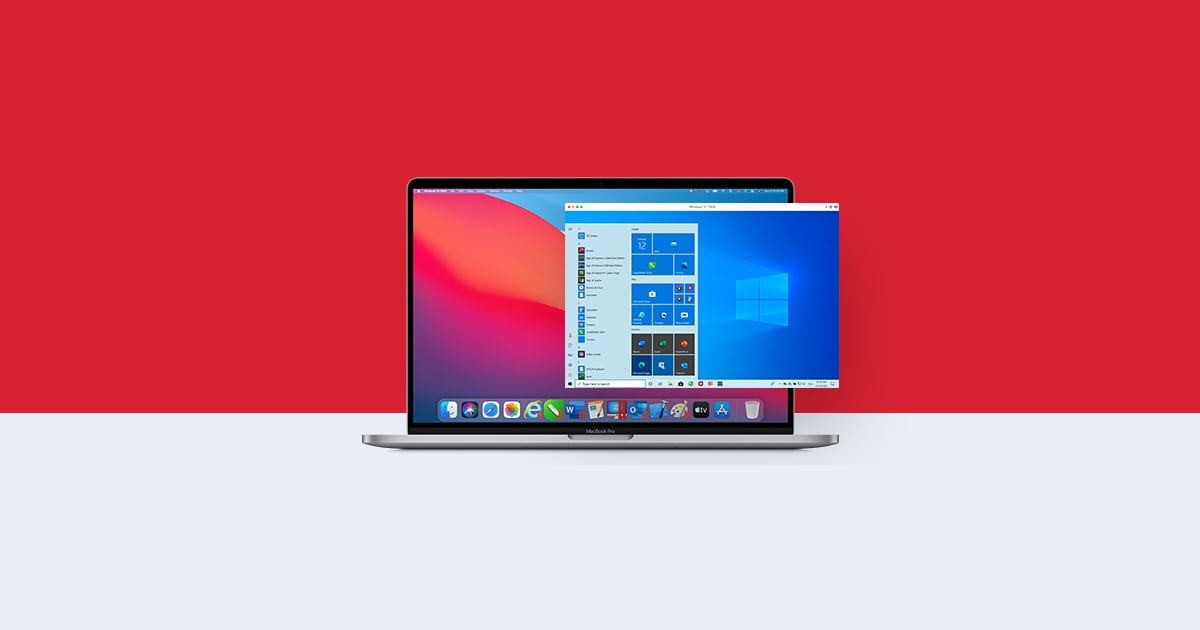
Parallels 16 for M1 Macs gets stability improvements, support for suspending and resuming virtual machines
To use the Technical Preview, you need to sign on Parallels’ website here. Once you download the preview, you can install a number of operating systems, including Windows 10 for Arm (only available for Windows Insider program members), Ubuntu, and more. Parallels does not support emulation so you cannot install any x86 operating systems, however, Windows for Arm supports x64 emulation which you can enable when using it in Parallels.
Here are the complete release notes for Parallels 16 Technical Preview 2:
New features
– Added support for suspending and resuming a virtual machine.
– Support for installing Parallels Tools in the following Linux distributives: Ubuntu 20.04 or later, Debian 10.7 or later, and Fedora Workstation 33-1.2 or later.
– Compatible Linux installation images are now automatically detected in the Installation Assistant.Improvements
– Improved overall stability.
– Resolved the issue with ARM-based Linux ISO images being recognized as Intel-based ones.
– Resolved the issue with missing sound when a virtual machine is created from a VHDX image.
– Resolved the issue with not being able to select an ISO image as an installation source when VHDX is specified in the drop-down menu.Known issues
– During the Parallels Tools update, the virtual machine’s screen may freeze for several minutes, please simply wait.
Despite being a Technical Preview, Parallels already runs Windows 10 for Arm faster than any other Arm-based device in the market. Many users have been testing not only Windows but also many games on it to see how it performs in real-world usage. Check out our coverage below:


