Apple has released macOS Sonoma 14.1 with a number of updates including support for Apple warranty status in Settings, quick access to Favorites in Music app, and a bunch of bug fixes. The update also features 33 security fixes.
What’s new in macOS Sonoma 14.1?
Here are the full release notes from Apple for this update:
This update provides enhancements, bug fixes, and security updates for your Mac including:
• Favorites expanded in Music to include songs, albums, and playlists, and you can filter to display your favorites in the library
• Apple warranty status for Mac, AirPods, and Beats headphones and earbuds are available in System Settings
• Fixes an issue where the System Services settings within Location Services may reset
• Fixes an issue that may prevent encrypted external drives from mountingSome features may not be available for all regions, or on all Apple devices.
For detailed information about the security content of this update, please visit: https://support.apple.com/kb/HT201222
Does your Mac support macOS Sonoma 14.1?
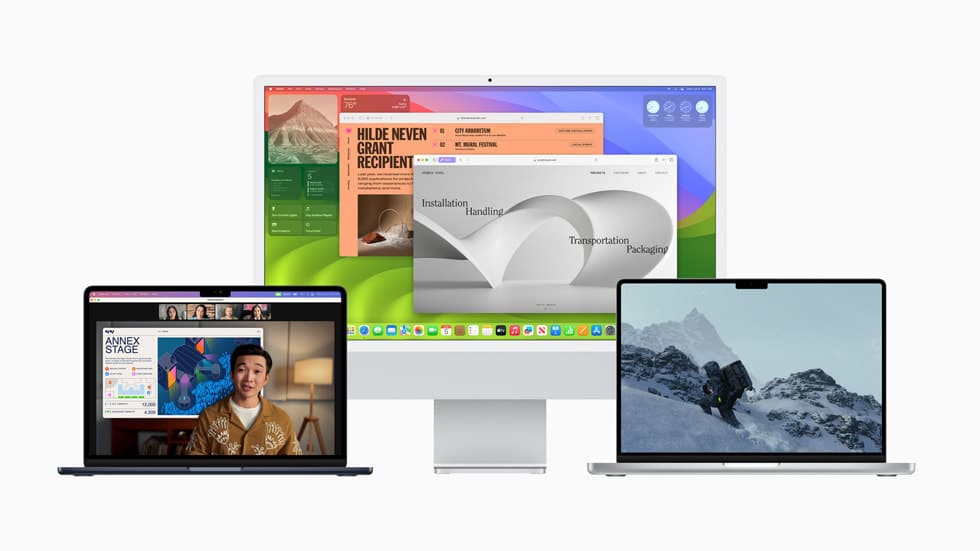
The latest macOS software update is compatible with the following Mac models:
- iMac (2019 and later)
- iMac Pro (2017)
- Mac Pro (2019 and later)
- Mac Studio (2022 and later)
- MacBook Air (2018 and later)
- Mac mini (2018 and later)
- MacBook Pro (2018 and later)
How can you update your Mac to this software update?
First of all, make sure that you have sufficient battery charge, if you are using a MacBook. Next step is to connect your Mac to a reliable Wi-Fi connection. Open System Settings > General > Software Update, and wait for the new release to appear and start the download process. Your Mac will restart to complete the update.
Stay tuned to our ongoing coverage of the new features and updates in macOS Sonoma:
- macOS Sonoma top 10 features to try after installing on your Mac
- Apple introduces new ways to sign in to your Apple ID, including phone number and proximity sign-in
- macOS Sonoma allows users to restore Macs through Finder
- Apple updates Game Porting Toolkit for macOS Sonoma with significant improvements
- Apple releases Game Porting Toolkit to run Windows games on macOS
- These macOS Sonoma features will be exclusive to Apple Silicon Macs
- Apple unveils groundbreaking privacy and security features for iPhone, iPad and Mac at WWDC 2023