The creator of sn0wbreeze, ih8sn0w, has created a new tool called iDectector that accurately tells you whether your iPhone 3GS has the new bootrom or old bootrom. This information comes handy when you have to jailbreak/unlock your iPhone 3GS because the currently available jailbreaks for iOS 4 work only with iPhone 3GS with old bootroms.
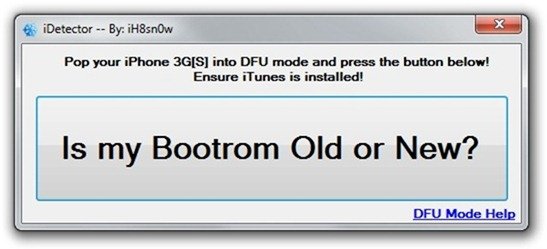
To use this tool you need to put your iPhone 3GS in DFU mode.
How to put your iPhone 3GS in DFU mode.
Turn off your iPhone 3GS. Now hold the power button for 3 seconds. Without leaving the power button, hold the home button for 10 seconds. Then leave the power button and hold the home button until iTunes pops up a message that your iPhone 3GS is connected in DFU mode.
After this, run iDetector and click on the big button ( there’s only one, duh ). It will tell you if the bootrom is new or old.
Download iDetector (Windows Only)


2 comments