Viewing photos on Facebook is a lot of fun but sometimes if the albums contain hundreds of photos, it becomes tedious to keep pressing the arrow button or clicking the mouse button to navigate through them. Luckily, Facebook has a solution for this hidden in the prototypes section of Facebook apps.
Think of Facebook prototypes as something like Google’s Labs experiments. They are really cool features although not available by default because they’re possibly buggy. Slideshow is one of these Facebook Prototypes which puts a play button on photo albums and automatically goes through them so you can sit back and relax and enjoy the photos.
To enable Slideshow, head over to the Facebook Prototypes page and activate it.
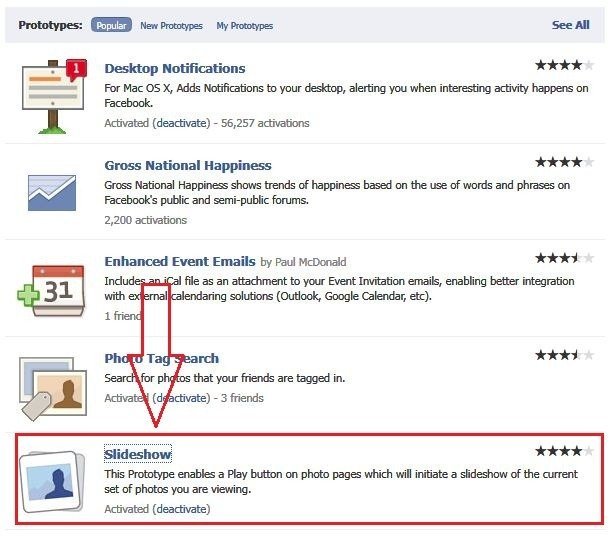
Once it’s enabled, go to any photo album and open any picture and click the Play button on the top
You can stop the slideshow by clicking the Stop button that will appear in place of Play. Makes your Facebook life much easier doesn’t it?


