Grammarly has already been available for iPad for some time however it worked using a keyboard. With iPadOS 15, and the introduction of extensions for Safari, Grammarly has updated its app to start supporting the new feature. iPadOS 15 is not even released to all users yet and is currently available as a beta.
If you already have the Grammarly app installed on iPadOS 15, you will see the extension appear in Safari address bar, alongside the app icon.
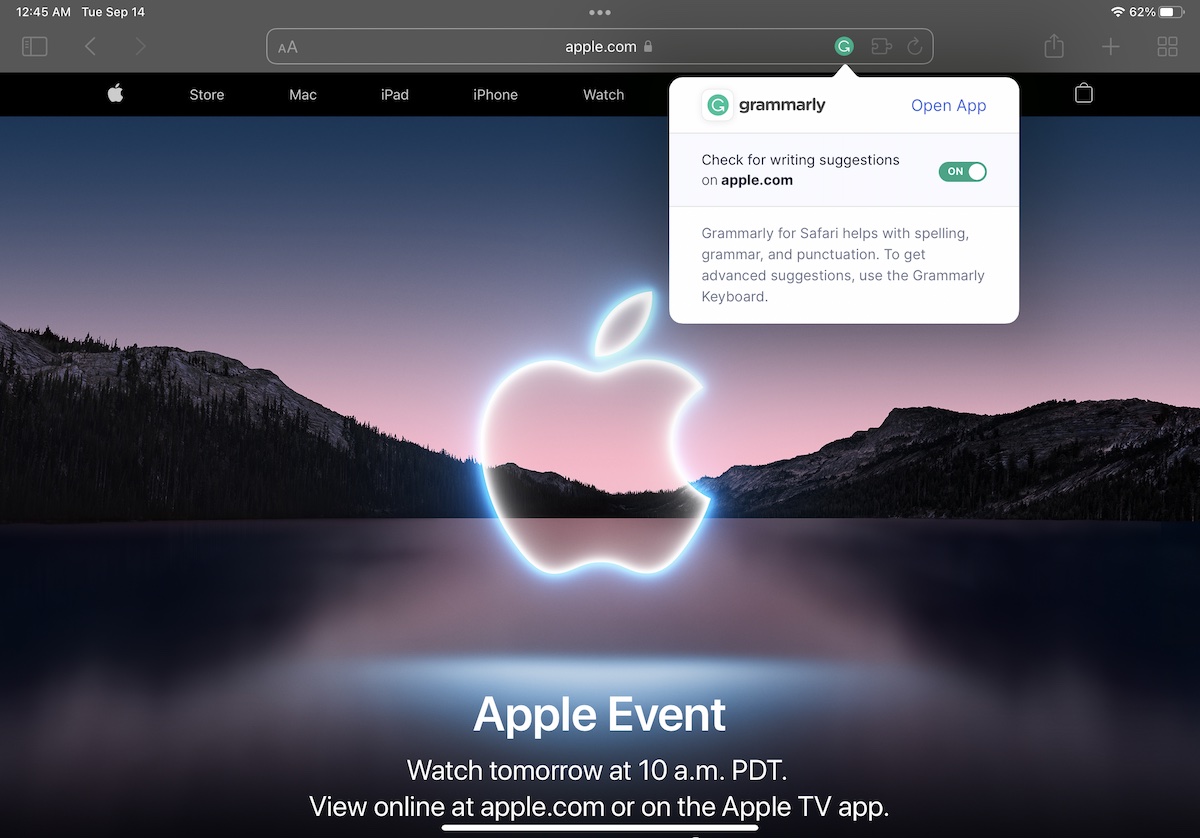
Grammarly extension for Safari in iPadOS 15
The new extensions also give an in-depth look at Apple’s privacy implementations. The first time you try to enable the extension in Safari, you will be asked if you want to enable it for one day, always allow, or not allow it access to the websites that you visit. After that, Safari will ask you if you want to allow the extension to read and alter any webpage you visit, and see all your browsing history on the websites that you have visited so far, or every website that you will visit. We selected ‘Always Allow on Every Website’ here.
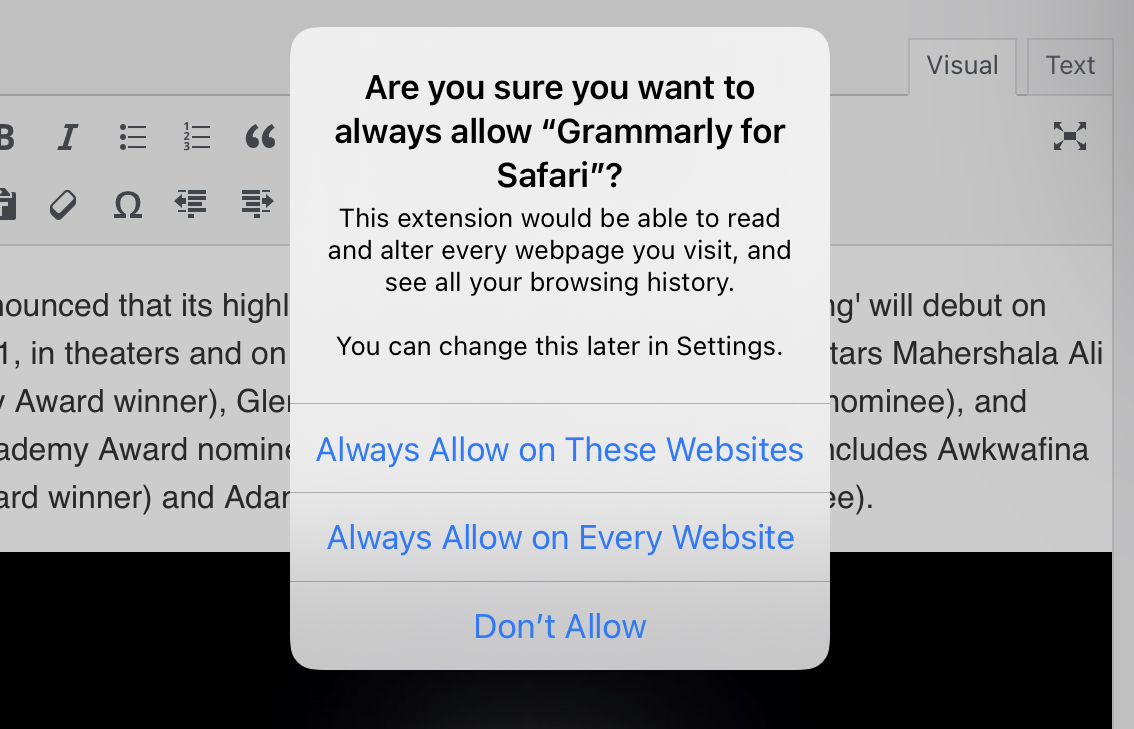
Once this is done, you will see Grammarly showing up in text boxes and rich text editors, such as Twitter compose box and WordPress editor.
Unfortunately, we have not seen the functionality work as expected. Although Grammarly finally shows red squiggles under spelling or grammatical mistakes, it does not show any suggestions or improvements. The extension also mentions that you should use the Grammarly keyboard for advanced functionality which seemingly means that the Grammarly extension on iPadOS will not be as powerful as its counterpart on macOS.
There is a possibility that this functionality is not fully baked and a future update might make it fully functional. For now, we are glad that Grammarly is quick to introduce their Safari extension.
Read more:





1 comment