In Windows 11, Microsoft Edge includes an option to disable the Bing Chat experience from the browser. Bing Chat Experience in Microsoft Edge is a new feature that allows users to interact with Bing to get answers to their questions,…
Windows 11 users can install the Google Bard AI experience as a Progressive Web App (PWA) through the latest version of Google Chrome in Windows 11 and Windows 10. The Google Bard AI chatbot is the company’s latest advancement in…
In Windows 11, users can use “File History” to create a file backup on an external or network drive to have the means to recover files in case of accidental deletion, modification, or corruption. File History is a built-in backup…
In Windows 11, Temporary files are files that are created by programs and then stored on a computer’s hard drive. They are used to store data that is not currently being used, such as files that are being downloaded, files…
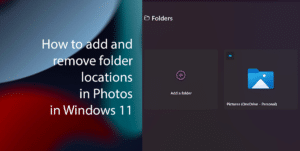
The Microsoft Photos app in Windows 11 is a built-in application that allows you to view, edit, and share your photos and videos. It is an amazing tool that offers a variety of features, including: Viewing photos and videos: It can…
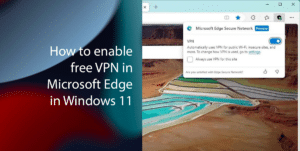
In Windows 11, the Canary version of Microsoft Edge lets you turn on a new VPN service that’s free for the first 5GB per month (30-day period). Microsoft Edge now has a free virtual private network (VPN) service that is…
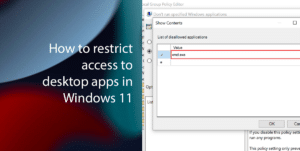
In Windows 11, users can block virtually any traditional desktop application. Restricting access to certain things can help to keep your computer safe and secure. It can also help to prevent users from making changes to their system that they…
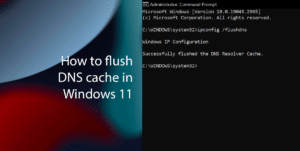
DNS cache in Windows 11 is a temporary storage that saves websites’ IP addresses that you have recently visited. This allows your computer to connect to those websites more quickly the next time you visit them. Sometimes when a particular…
When using Google Bard, the company stores the query intent as part of the search history on your Google account. The search query intent is that key phrase that the chatbot uses to provide the response based on your question….
Windows 11 users can check their graphics card (GPU (graphics processing unit) or video card) details in 3 easiest ways on their computer. A graphics card is a hardware component responsible for rendering images, videos, and animations on a computer…