FilmTexture is a film camera app for iPhone that applies a film stock live in the viewfinder, in photos and in video. You pick a film before the shot, see its grain, halation and color as you frame, and the same ten films develop photos already in your library.
The app is made by Efe, a working cinematographer and colorist, and it is on the App Store as a free download with in-app purchases for any iPhone running iOS 26 or later. It is another route to film texture on older models, next to our guide to the iPhone 18 Pro film look.

Ten Films Apply Live Before the Shutter
Tap Look and the shutter row becomes a strip of films, and the film you stop on is applied as you frame. The ten include six Cinema films in daylight and tungsten stocks, Silver Halide Monochrome, and three new ones called Chrome Vivid 100, Color Warm 125 and Faded Summer 100.
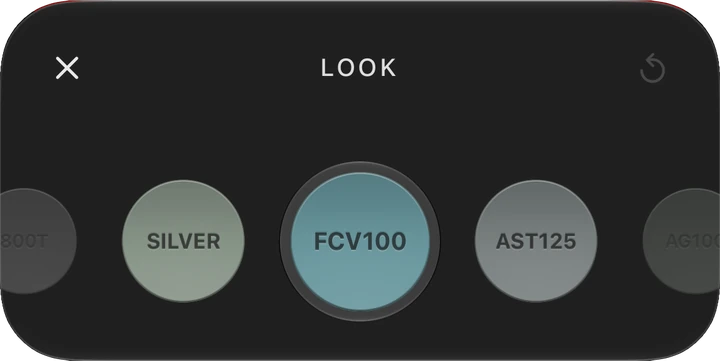
Chrome Vivid 100 is a slide film look for clear days and landscapes, with ultra fine grain, high contrast and a narrow latitude, so the highlights need care. Color Warm 125 is golden light in full color, and Faded Summer 100 looks like a faded summer memory. Apple’s own texture and grain controls in Photographic Styles are limited to the iPhone 18 Pro models and the cameras on the iPhone Duo.
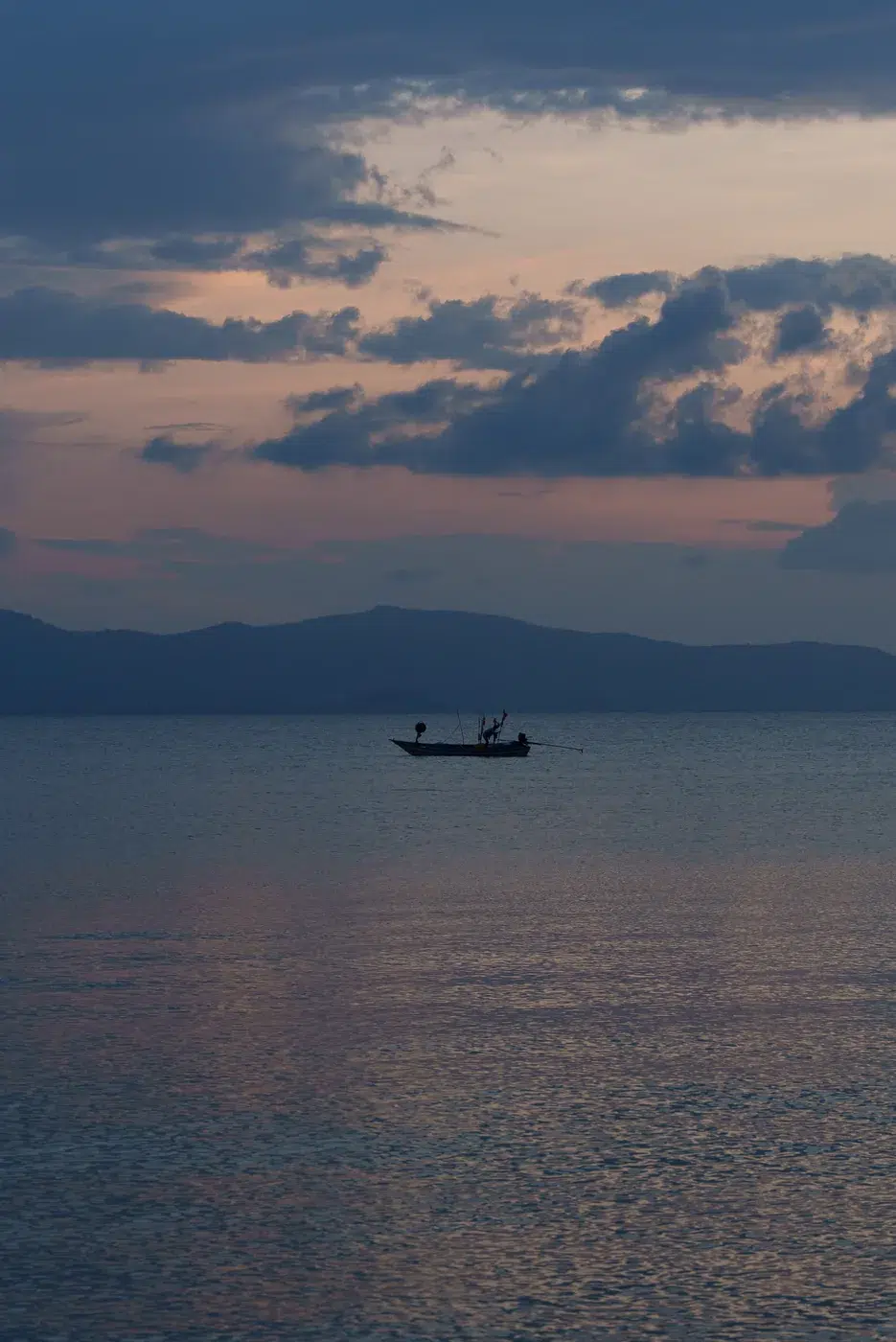

Grain, Halation and Bloom Are Set by Hand
The Effects tool gathers the film’s three textures. Grain comes in 35mm, 16mm and 8mm, halation and bloom come in 35mm and 16mm, and each turns on or off with a tap. A color panel adds two pads for warmth and tint and for density and tone, with warmth read in Kelvin.
PRO opens manual controls with separate rulers for shutter, ƒ, ISO and white balance, and a double tap returns a value to auto. Before & After sets the film aside so you can see the scene as it is, and anything shot while it is on is saved without the film. The top row is customizable, and aspect ratios run 4:3, 16:9 and 1:1.
The Editor Develops Any Photo and Keeps the Original
The editor uses the same films as the camera, so a photo developed later matches one shot live. Its tools cover balance, light and curves, color wheels, HSL, Bleach Bypass, sharpness, soft focus, vignette, grain, bloom, halation and crop. Each save becomes a new photo in a FilmTexture album, and the original stays as it was.
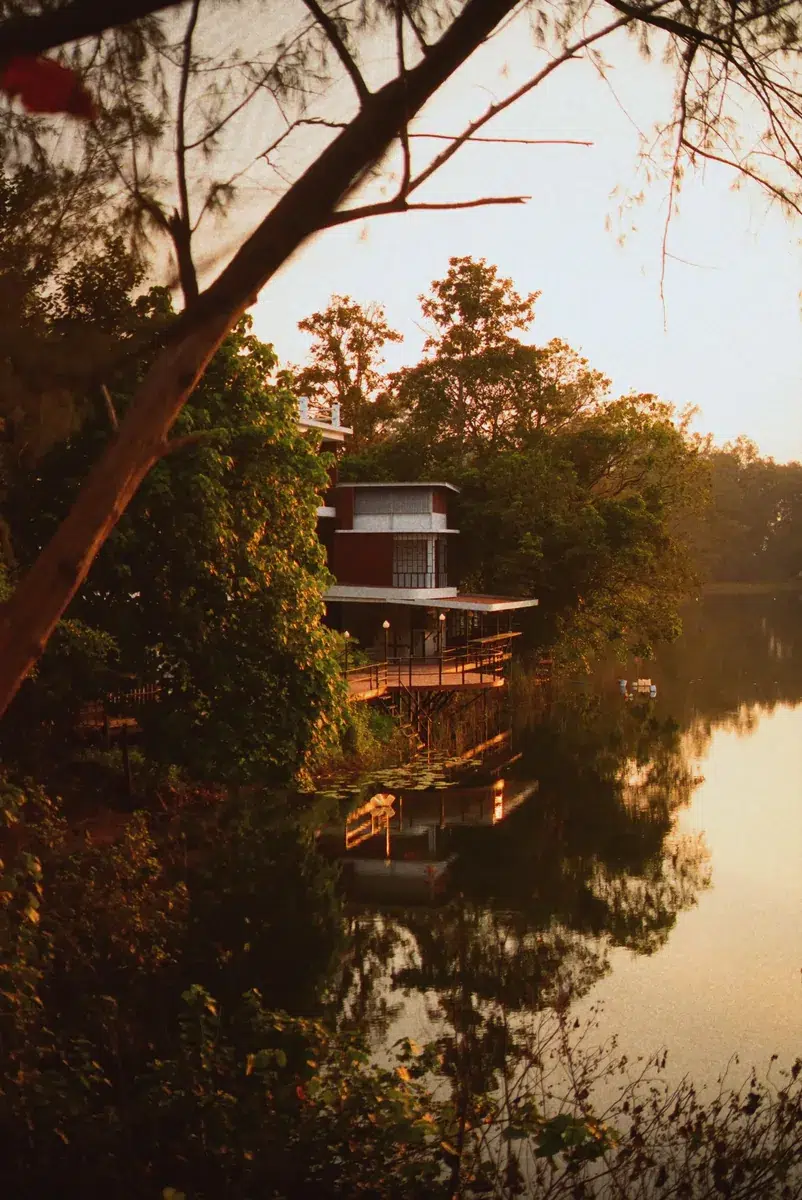
The camera and the editor work entirely on the iPhone, and nothing you shoot or edit is uploaded. A community feature is optional and sends only what you choose to post.
Every Camera Tool Is Free and Pro Lifts the Shot Limit
Every camera tool is open to everyone, and Pro removes the limit on free shots. In US prices Pro costs $4.99 a month or $29.99 a year, Studio adds tools such as shooting with a connected camera for $8.99 a month or $59.99 a year, and Lifetime is $99.99 once. The app is available in English, Turkish, German, Spanish and Japanese.
Download FilmTexture from the App Store


