Apple, with AT&T, has managed to provide a very attractive unlimited data plan to use with the iPad 3G. Since the iPad 3G uses a microSIM and the iPhone uses a regular SIM, it isn’t as simple as trying to pop in the the microSIM in the iPhone SIM card tray and using the unlimited data package.
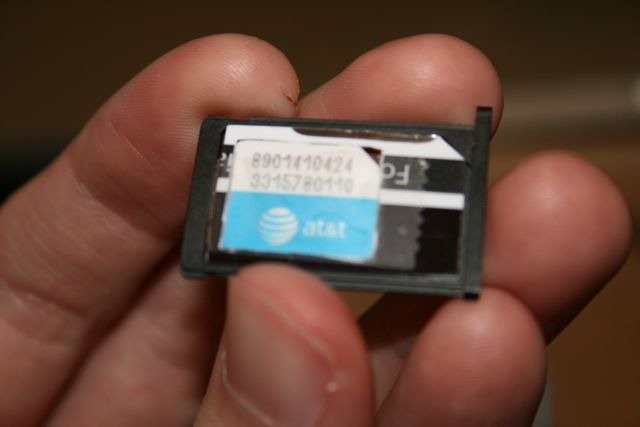
Hijinks Inc. have posted a great guide on how to get this working. You need to change the iPhone’s APN settings as well as make a sturdy adapter for the microSIM to fit in, which can then be fit into the iPhone SIM card tray. The adapter can be made out of an old credit card/plastic card etc. Also, you need to have a jailbroken iPhone since APN changer has to be installed from Cydia to change the settings. Check out our guide here to jailbreak your iPhone if you haven’t already.
The guide is pretty lengthy so head on over to the source to check it out. Or check out the video below:
via MacStories


What about an iPad data plan on an iPhone 4? Is it the same except that there is no need to use the sim adapter? Do you need an actual iPad to set up the APN. I don’t have an iPad I just want the iPad data service without voice plan on a spare iPhone 3Gs
I did this before without the apn changer by spoofing the imei and it worked fine for two months, then att recognized that the hardware was not an ipad and shut the service down…does this workaround fix the non ipad hardware recognition issue??
I did this before without the apn changer by spoofing the imei and it worked fine for two months, then att recognized that the hardware was not an ipad and shut the service down…does this workaround fix the non ipad hardware recognition issue??