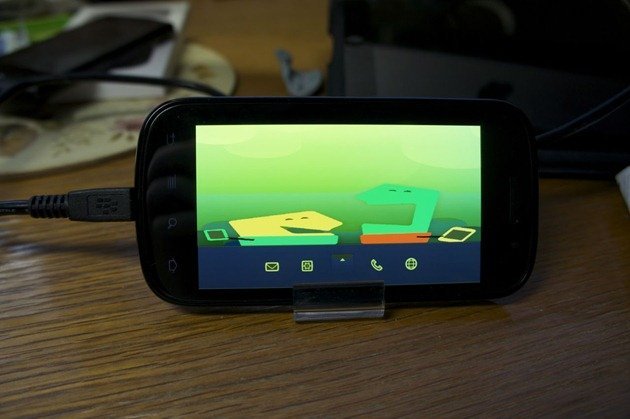
Want MeeGo on your Nexus S? Your wish has been granted. Developer Steve Troughton-Smith, who has managed to port MeeGo to HTC HD2 and run Ubuntu on Nexus S made this break through earlier. While it’s not in a useable condition, it’s good for those who love tinkering around with their phones. 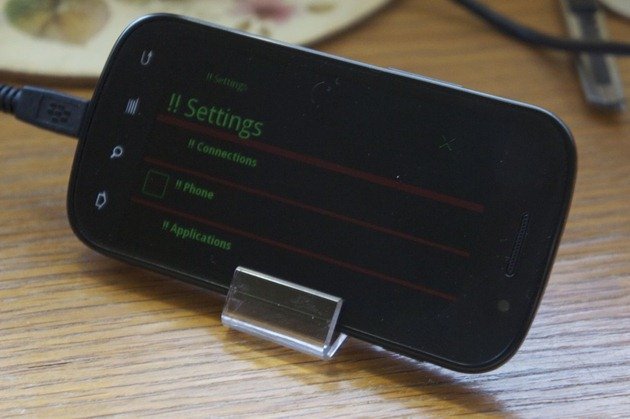
Here’s what works and what doesn’t so far [via XDA]:
What works:
• ADB root shell
• X11 & UI apps
• Super-AMOLED brightness control (fixed! still off-colour tho…)What doesn’t work currently:
• Touchscreen
• WiFi
• Anything else :-P
Here’s the how to by Steven from his blog. Try it at your own risk since it wont run like how Android 2.3 Gingerbread does on your Nexus S:
You will need to build a MeeGo rootfs first, in ext2 format. Use my kickstart as a base, it has a few niceties like adb support (i.e. the only way you can interact with it right now). With your image successfully compiled, copy it to linux/rootfs.ext2 on your Nexus S’ internal memory (completely safe, no flashing required).
My boot.img is here – you will need to use fastboot to boot it (fastboot boot nexuss-meego-boot.img), or you can flash it to recovery if you want to dual boot.
Enjoy!


