The Desky Safari extension switches websites to desktop mode when you unfold the iPhone Duo and back to the mobile layout when you fold it. You can also set one page zoom level for the folded state and another for the unfolded state.
Desky is for people who find websites stretched on the inner display of the iPhone Duo. It is available on the App Store for $1.99, and the extension only works on an iPhone Duo because it detects the fold.
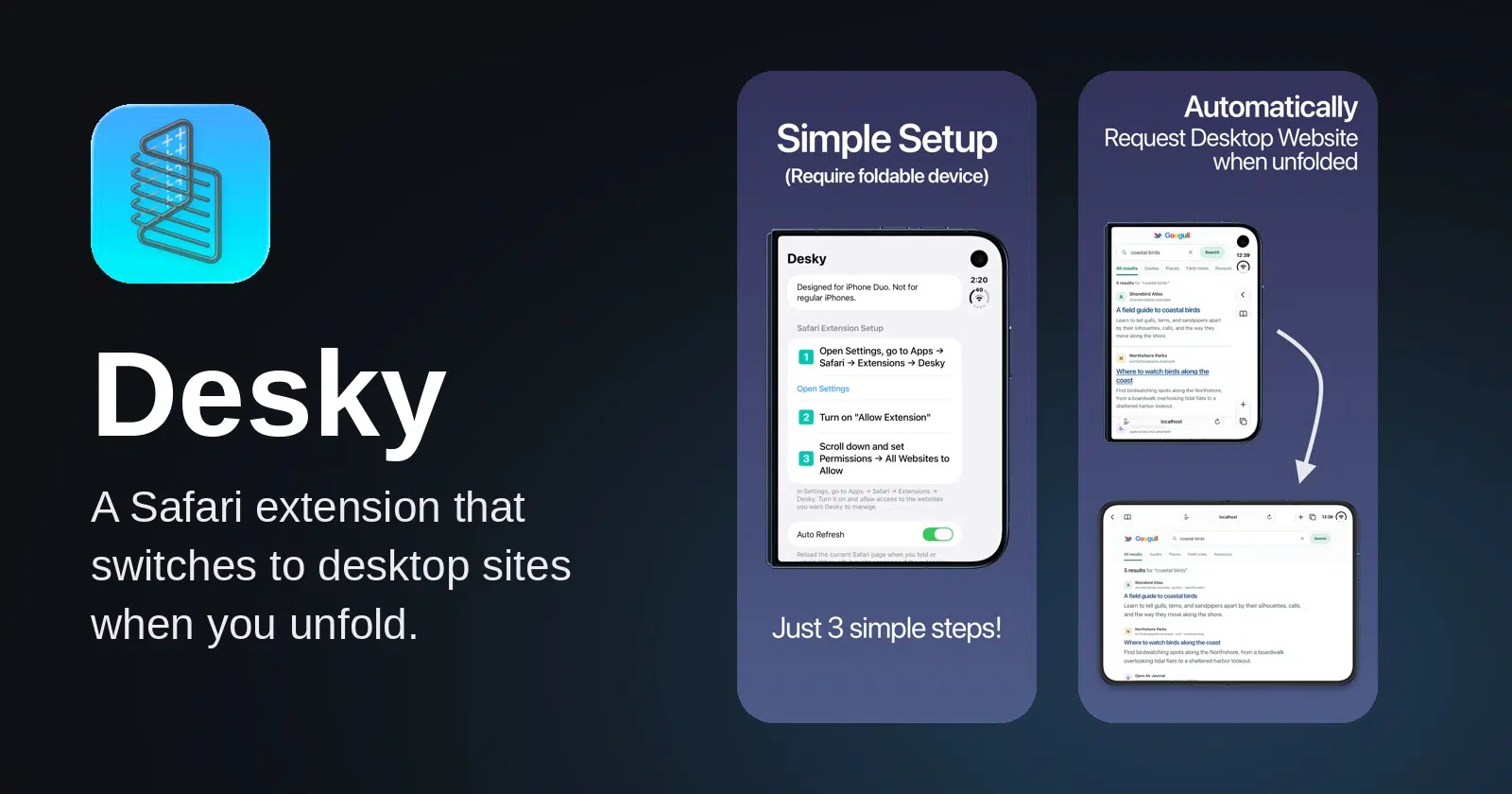
Desky Safari extension follows the fold
Desky checks whether the iPhone Duo is folded and loads the matching version of the site in Safari. Unfolded, you get the desktop version on the inner display, similar to Safari’s Request Desktop Website option. Folded, the site goes back to the mobile layout on the outer display.

The inner display measures 7.6 inches and the outer display 5.4 inches, so the two screens give a website very different room. On the outer display, sites see a viewport as narrow as 382 CSS pixels in portrait, and the width across every pose runs from 382 to 951 CSS pixels.
The zoom levels are separate for each state, and you change them in the app or in the extension inside Safari. That lets you zoom desktop pages on the inner display without touching the mobile pages on the outer display.
Desky changes which layout a site uses, while the Brim Safari extension and Wider stretch the phone layout across the outer display instead. If you would rather not install anything, two iPhone Duo display settings also give pages more room.
Setup takes three steps
Desky requires iOS 27.1 or later, the release Apple made only for the iPhone Duo. You open Settings, go to Apps, then Safari and Extensions, and choose Desky. Turn on Allow Extension, then scroll down and set Permissions for All Websites to Allow.

The developer, Vincent Neo, says Desky processes data locally with no ads, no analytics and no tracking, and the app collects no data. Family Sharing lets up to six family members use one purchase.
Version 1.0.1 fixes two bugs
Version 1.0.1 fixes a bug where the extension could not detect the screen size while the Shift Left Edge display setting was on. With that setting turned on, version 1.0 did not switch layouts at all.
The update also changes how Desky behaves in Split View, where each app gets half of the inner display. The divider cannot be dragged, so neither app can be enlarged, and Safari there now gets the mobile layout instead of the desktop one.


