Laytr is a read-later app for iPhone, iPad and Mac that returns each save on the day you choose. You save a link, recipe, video or screenshot from any app, pick when you want it back, and it appears at the top of the app that day.
Developer Mostafa Talaat, whose studio is Waitery Inc, says Laytr has no account and no server of its own, so saves live on your device or in your own iCloud. The app is on the App Store as a free download with in-app purchases.

Saves Come Back Tonight, This Weekend, on a Date or Someday
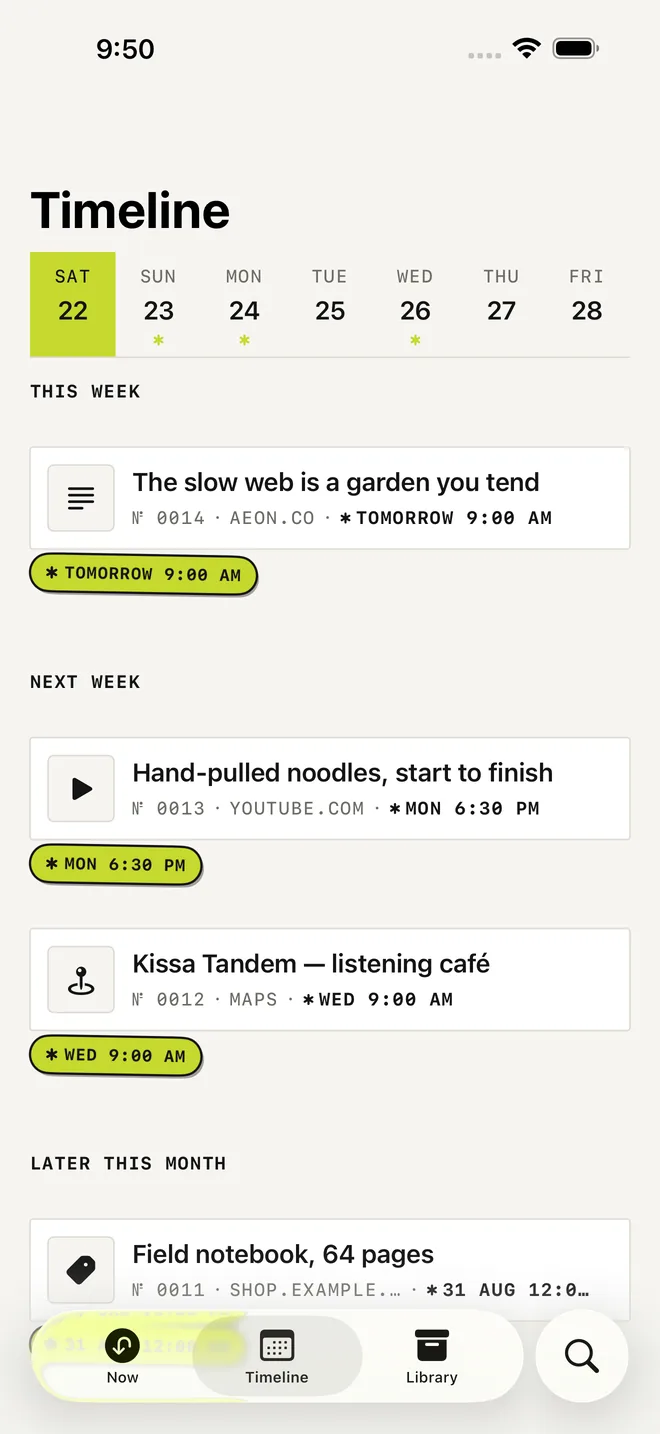
Laytr sits in the share sheet, so it works from Safari, Photos, Files, Maps, YouTube, TikTok and Instagram, and saving takes two taps. Each return choice shows the real time it means, such as Sat 9:00 AM, and when that time arrives the save lands at the top of the Now tab. Not now sits right next to Done, and there are no streaks and no overdue badges.
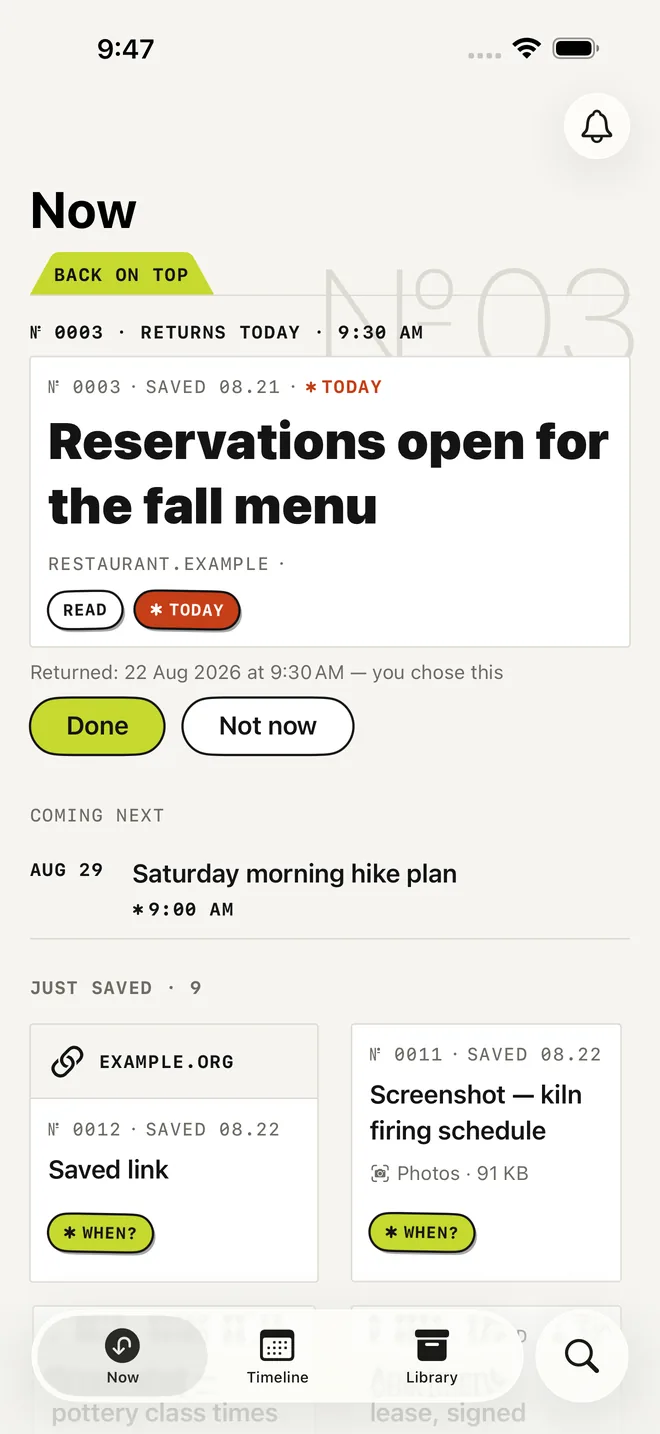
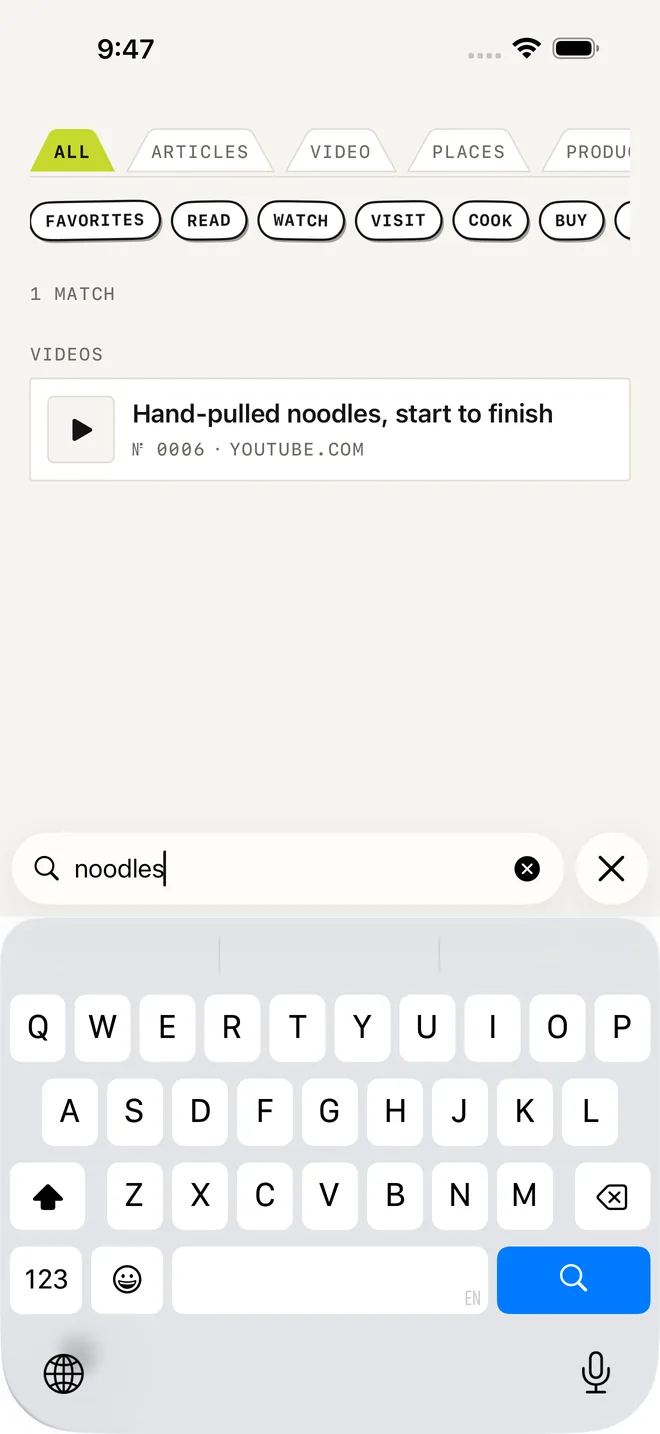
Saved articles are stored as full text and images on the phone, so they open years later and in Airplane Mode. The reader has three page themes, serif or sans-serif type and adjustable text size, and it remembers where you stopped. Search covers titles, sources, notes, tags, article text and the text inside screenshots, which Apple’s Vision framework reads on the phone.
Sync Runs Through Your Own iCloud and Export Is Always Free
iPhone, iPad and Mac share one library through your iCloud account, and sync is free on every plan. The Mac app needs Laytr for Mac 1.1 or later, and a switch in Settings turns sync off. The whole archive exports as one ZIP with Markdown and HTML copies, original files, notes, tags and cases, and importers cover Pocket, Instapaper and Omnivore.
Laytr leaves several things out on purpose. It has no AI summaries or automatic tagging, no feed or social features, no watch app or widgets and no web version. It never runs JavaScript to save a page, so pages that build themselves in the browser produce no offline copy.
Premium Removes the 30-Save Limit and Never Locks Your Archive
The free version holds 30 saves, and Premium removes that limit for $1.99 a month, $14.99 a year or $39.99 once, with a $24.99 lifetime launch price running until December 31.
Cancel or let a plan lapse and nothing is deleted, hidden or locked. Reading, search and export keep working, and only adding new saves pauses while you are over 30.
Laytr needs iOS 17 or later on iPhone and iPad and macOS 14 or later on Mac. The iPhone and iPad app speaks English, German, French, Spanish, Arabic, Italian and Portuguese (Brazil), and the Mac app is in English.
Download Laytr from the App Store


