
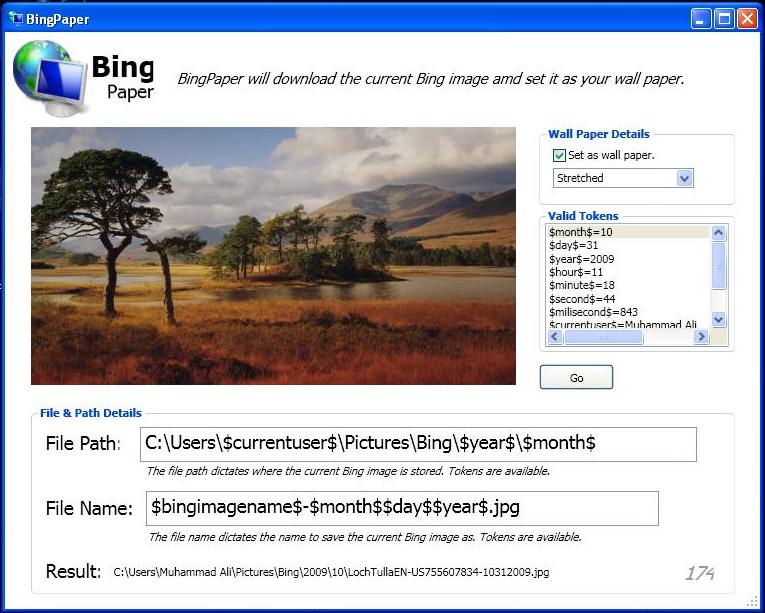
Microsoft CodePlex has just released BingPaper. BingPaper is a small, simple and useful application that downloads the current Bing Image and sets it as your wallpaper. With BingPaper, gone are the days where you were required to right click on a particular Bing Image, save it and then set it as your desktop background.
BingPaper was written in C# using WPF. Source Code is available for download here.
The application has a few customization options as well. It allows you to set wallpaper in three different modes namely Stretched, Tiled and Centered. If you don’t like a particular image, you always have the option not to set it as your wallpaper by unchecking the “Set as wall paper” option.
I ran BingPaper on Windows XP and it is working just fine for me. Go ahead, download it, and share with us if you find something interesting.
Download BingPaper




I’m wondering if this still functions.
This is very cool! I wasn’t sure if it’s still working, but it is. Thank you so much for sharing this.