To reboot the iPhone SE, you simply have to press the power button until you see the “Slide to Power Off” option on your screen. However, rebooting the device may not fix the issue you are facing and you may need to force restart it. A forced restart can help you address minor software-related issues and bugs on your device. The way to force restart your device is not exactly well-known but it is fairly simple to do. Here’s how to force restart the iPhone SE 3 in a few simple steps.
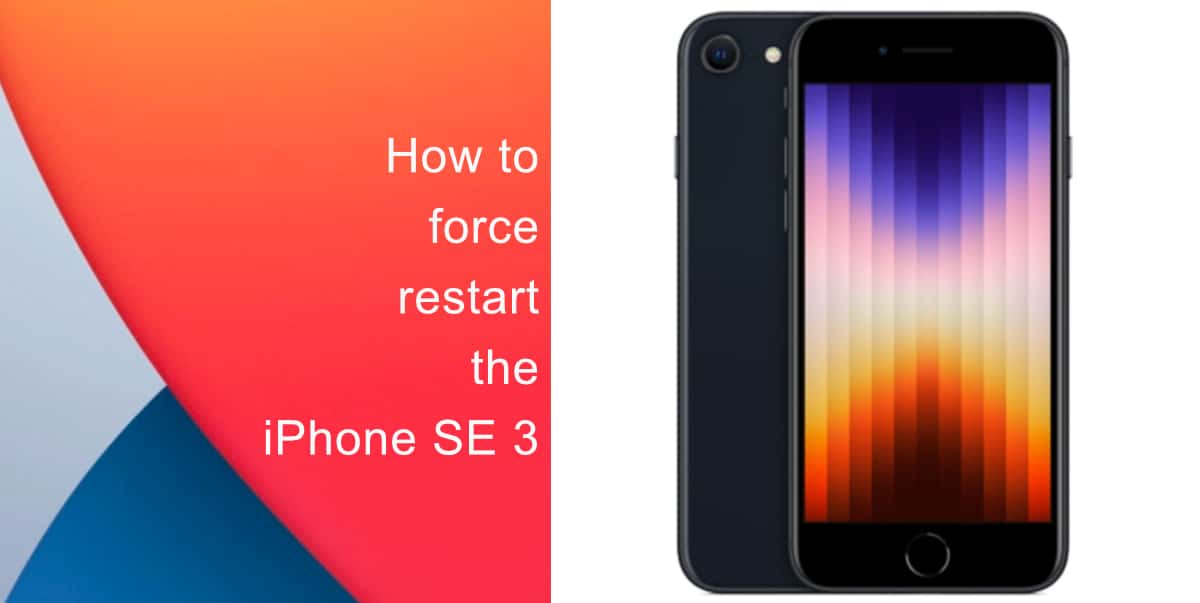
Learn how to force restart the iPhone SE 3
- First, press and quickly release the volume up button.
- Next, press and quickly release the volume down button.
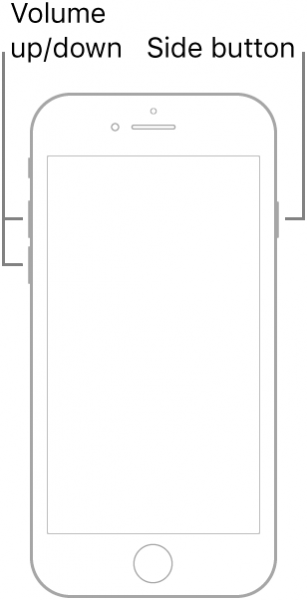
- Finally, press and hold the side button until the Apple logo appears. Release the button when the logo appears.

Since the iPhone SE has a non-removable battery, a forced restart can be used to simulate a ‘battery pull’ when the device is unresponsive, frozen, or does not power on. Also note that a forced restart could affect a backup in progress, cached data, etc. So, be careful of any important function that could be in progress before you force restart the iPhone SE 3.
We hope this guide helped you learn how to force restart the iPhone SE 3. If you have any questions, let us know in the comments below.
Read more:
- How to easily enable “Conversation Boost” on AirPods 2, AirPods Pro, and AirPods Max
- How to record ProRes video on iPhone 13 Pro and iPhone 13 Pro Max
- How to send expiring emails using Confidential mode in Gmail on iPhone and iPad
- How to set Gmail to delete Instead of archive in stock Mail app on iPhone & iPad
- How to clear cookies from Safari without deleting your browsing history on iPhone & iPad
- How to automatically and manually send text messages instead of iMessages on iPhone
- How to clear cookies from Safari without deleting your browsing history on iPhone & iPad
- How to use an email instead of a phone number for iMessage on iPhone & iPad
- How to turn on rain and snow notifications for your current location on iPhone
- How to use Screen Time to set a time limit for websites on iPhone and iPad


