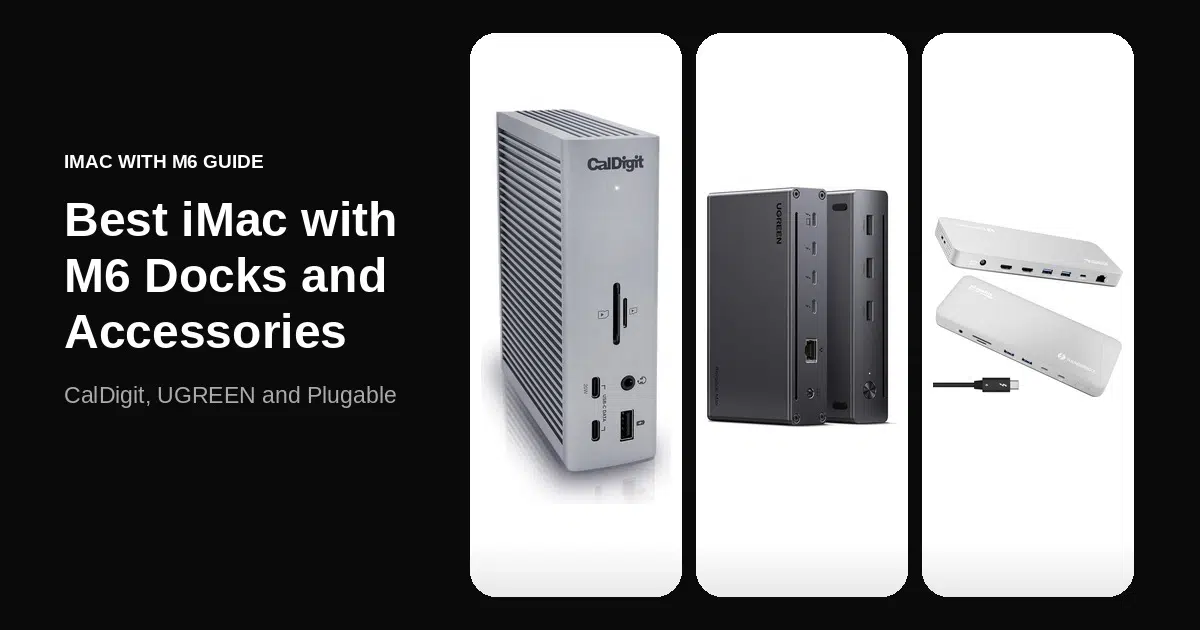
The best MacBook Pro docks, hubs and chargers for the new MacBook Pro with PROLED XDR Display fill the gaps its ports leave, since three Thunderbolt 5 ports, HDMI, an SDXC slot and MagSafe 3 are already built in. A dock adds Ethernet, USB-A ports and extra displays, and a Thunderbolt 5 dock can also charge the laptop at up to 140W.
The base 14-inch model ships with a 70W adapter and needs a 96W adapter to reach 50 percent in 30 minutes, and the 16-inch needs 140W. Choose a Thunderbolt 5 dock with 140W host charging for a one-cable desk, a Thunderbolt 4 hub for ports alone, or an Apple adapter for the battery.
iThinkDifferent may earn a commission from purchases made through links in this article.
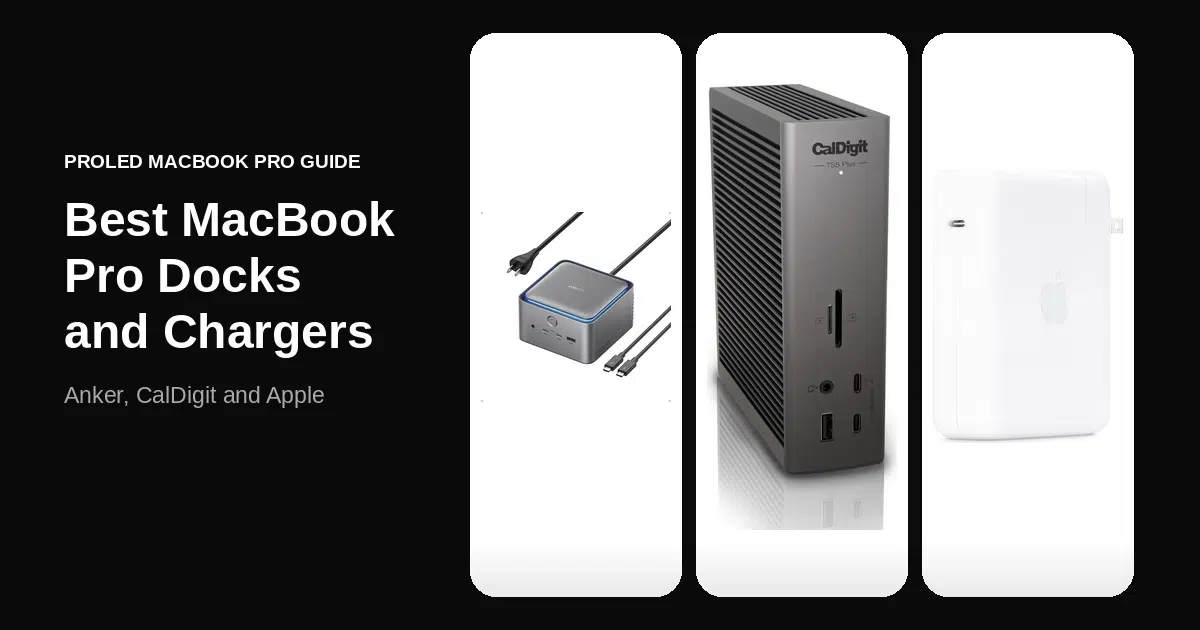
| Product | Price | Discount | Why we picked it | Buy |
|---|---|---|---|---|
 Apple 96W USB-C Power Adapter | $73.73 | Current price | 14-inch fast charge96W with a MagSafe 3 or USB-C cable. | Check on Amazon |
 Apple 140W USB-C Power Adapter | $99 | Current price | 16-inch fast charge140W with a MagSafe 3 or USB-C cable. | Check on Amazon |
 Anker 140W Max 4-Port GaN Charger | $79.99$89.99 | 11% OFF | Four portsOne 140W USB-C port with a color display. | Check on Amazon |
 Anker Prime TB5 Docking Station | $349.99$399.99 | 13% OFF | Fan-cooled dock140W host charging with two Thunderbolt 5 downstream ports. | Check on Amazon |
 CalDigit TS5 Plus Thunderbolt 5 Dock | $499.99 | Current price | 10Gb Ethernet20 ports with 140W host charging. | Check on Amazon |
 Plugable Thunderbolt 5 Dock | $349.95 | Current price | Dual HDMI 2.116-in-1 with 140W laptop charging. | Check on Amazon |
 Satechi Thunderbolt 5 CubeDock | $399.99 | Current price | Built-in SSD bayM.2 NVMe enclosure with 140W charging. | Check on Amazon |
 Satechi Thunderbolt 4 Slim Hub Pro | $199.99 | Current price | Thunderbolt 4 hubSlim hub that daisy-chains six devices. | Check on Amazon |
Base 14-Inch MacBook Pro Needs 96W to Fast Charge
Fast charging to 50 percent in 30 minutes needs a 96W or higher USB-C source on the 14-inch MacBook Pro and 140W or higher on the 16-inch. The 14-inch model with the 15-core M5 Pro ships with a 70W adapter, so it needs a separate 96W adapter, while the 18-core M5 Pro and M5 Max configurations include 96W and the 16-inch includes 140W.
A dock changes the same math, because the wattage it passes to the laptop is the wattage the MacBook Pro charges at. A dock with 96W or more of host charging clears the 14-inch threshold, and the 16-inch needs a dock rated for 140W.
Apple 96W Adapter Covers the 14-Inch Fast-Charge Threshold

The Apple 96W USB-C Power Adapter is the charger that fixes the base 14-inch model, which ships with a 70W adapter that falls short of the 96W fast-charge threshold. Apple recommends pairing it with a USB-C to MagSafe 3 Cable or USB-C Charge Cable for up to 50 percent in around 30 minutes.
The 18-core M5 Pro and M5 Max configurations already include a 96W adapter, so on those models this is a second one for a desk or a bag. The cable is sold separately, and the 16-inch model needs the 140W adapter instead.
Apple 140W Adapter Is the 16-Inch Fast-Charge Match

The Apple 140W USB-C Power Adapter is the one that meets the 16-inch MacBook Pro’s fast-charge requirement of 140W or higher. Apple recommends a USB-C to MagSafe 3 Cable or USB-C Charge Cable with it for 50 percent in around 30 minutes.
The 16-inch model already includes a 140W adapter, so this is a second one for a desk or a bag. The 14-inch model can use it as well, and the charging cable is sold separately.
Anker 140W Max Charger Reaches 140W on One Port

The Anker 140W Max 4-Port GaN Charger has three USB-C ports and one USB-A port, and each of its two main USB-C ports reaches 140W only when it is the only port in use. Two laptops split the power at 70W each.
A laptop and a phone together still get 100W for the laptop, which clears the 14-inch threshold but not the 16-inch one, so keep the other ports empty for a 16-inch MacBook Pro. A color display shows charging status and temperature, and a 5 ft 240W USB-C to USB-C cable and an 18-month warranty come with it.
Anker Prime TB5 Dock Has 14 Ports and Active Cooling

The Anker Prime TB5 Docking Station is fan-cooled like the Satechi CubeDock but spends its ports on connections instead of an SSD bay, with a Thunderbolt 5 upstream port at up to 140W and two Thunderbolt 5 downstream ports. It also has two front USB-C ports, three USB-A ports, SD and TF readers and an audio jack.
It has a single HDMI 2.1 or DisplayPort 2.1 output, so a second display goes through a downstream Thunderbolt 5 port on Pro and Max chips. A 3.3 ft Thunderbolt 5 cable and a 24-month warranty are in the box. The two front USB-C ports share 45W, and Ethernet is 2.5Gbps where the CalDigit TS5 Plus has 10Gb.
CalDigit TS5 Plus Adds 10Gb Ethernet and 20 Ports

The CalDigit TS5 Plus is the only dock here with 10Gb Ethernet, and its 20 ports are the most in this roundup. Three are Thunderbolt 5, ten are USB-A or USB-C at 10Gb/s, and the rest cover DisplayPort 2.1, SD 4.0 and microSD 4.0 UHS-II readers and three audio ports.
The host port delivers up to 140W, enough for the 16-inch MacBook Pro, and a 330W supply keeps that power available as devices are added. Dual 6K 60Hz displays work on most Macs, three displays on M5 Pro and M5 Max and four on M5 Max. Dual USB controllers keep busy front and rear drives from sharing one 10Gb/s lane.
Plugable Thunderbolt 5 Dock Adds Dual HDMI 2.1

The Plugable Thunderbolt 5 Dock is built around two native HDMI 2.1 ports, which drive dual 8K 60Hz displays on M5 Max and M4 Max Macs and dual 6K 60Hz or 4K 144Hz on most other recent chips. Its 16 ports include six USB-C ports, two of them on the front at up to 30W each, plus 2.5GbE and 140W laptop charging.
Every Pro and Max chip supports both displays at once. It is fanless and needs macOS 13 or later, and its Ethernet tops out at 2.5Gb where the CalDigit TS5 Plus has 10Gb.
Satechi Thunderbolt 5 CubeDock Houses an SSD

The Satechi Thunderbolt 5 CubeDock is the dock with a built-in SSD bay, an M.2 NVMe enclosure for drives up to 8TB that reads at up to 6000MB/s depending on the SSD. The SSD is not included, the bay takes M.2 NVMe drives only, and Satechi supports single-sided drives only.
It adds 140W host charging, UHS-II SD and microSD readers and 2.5Gb Ethernet, with a fan that runs at 20 to 40 dB(A). Dual 6K 60Hz displays work on macOS.
Satechi Thunderbolt 4 Slim Hub Pro Daisy-Chains Six Devices

The Satechi Thunderbolt 4 Slim Hub Pro is the only Thunderbolt 4 hub here, with a host port, three downstream Thunderbolt 4 ports at 40Gbps and one 10Gbps USB-A port. It daisy-chains up to six devices and supports dual 4K 60Hz or a single 8K 30Hz display.
Host charging stays below the 140W the 16-inch needs for fast charging. It has no card reader or Ethernet port, and the MacBook Pro’s built-in SDXC slot covers the card reader. A 150W power supply and a Thunderbolt 4 cable come in the box.
What to Check in a MacBook Pro Dock or Hub
Display limits depend on the chip, with the CalDigit TS5 Plus reaching three displays on M5 Pro and M5 Max and four on M5 Max. Thunderbolt 5 runs at 80Gb/s each way and boosts to 120Gb/s for displays, against 40Gbps on the Thunderbolt 4 hub.
The MacBook Pro already has HDMI and an SDXC slot, so a dock earns its place with Ethernet, extra USB-A ports and more displays.
My Pick Is the CalDigit TS5 Plus Dock
The CalDigit TS5 Plus is the dock I would put on my desk, because it passes 140W to the host and adds 10Gb Ethernet and a dual-controller USB layout. The Plugable is the one for dual HDMI monitors, the Anker Prime TB5 is the fan-cooled port dock, and the Satechi Thunderbolt 4 Slim Hub Pro is the slim Thunderbolt 4 option. On the charger side, the base 14-inch buyer should add the Apple 96W adapter first.
Questions About MacBook Pro Docks and Chargers
Does the MacBook Pro with PROLED XDR Display need a dock?
Not for the basics, because it has three Thunderbolt 5 ports, HDMI, an SDXC slot, MagSafe 3 and a headphone jack. A dock mainly adds Ethernet, USB-A ports and extra displays.
Which adapter does the 14-inch MacBook Pro need to fast charge?
The 14-inch model needs a 96W or higher USB-C power source. The base configuration with the 15-core M5 Pro ships with 70W, so it needs a separate 96W adapter.
Can a Thunderbolt 4 hub fast charge the 16-inch MacBook Pro?
Not at the quoted speed. The 16-inch needs 140W or higher for 50 percent in 30 minutes, and the Satechi Thunderbolt 4 Slim Hub Pro stays below that.
Does the 16-inch MacBook Pro include a charger?
Yes. The 16-inch model includes a 140W adapter, and the 14-inch with the 18-core M5 Pro or M5 Max includes a 96W adapter.
Newsletter
Never miss an Apple story
One email a day, the news that matters. No spam, unsubscribe anytime.
You're subscribed
We sent a confirmation to your inbox — check spam if you don't see it.

Product prices and availability are accurate as of the date and time indicated and are subject to change.
As an Amazon Associate I earn from qualifying purchases.