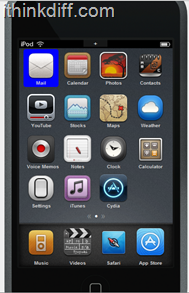
One of the amazing tools I found on the Internet has to be CodeThemed. It lets you create a theme for your iPhone/iPod touch using their website, but to use the theme, you’ll need a jailbroken device. It’s still in Beta stages, but the folks at CodeThemed were generous enough to give me a beta tester account.
[quote]They still don’t know the official release date, but it should be sometime soon. They will be also released an application for your device, so you can download themes directly to your device without the need of SSHing it.
I am going to show you how the online theme builder looks like, although it’s still missing some features.
The online theme builder is pretty cool. It’s easy to create your own theme with it, as it uses the drag-and-drop method.

You can also choose an already built theme, and edit it the way you like.

Or you can click on an application, and see the available icons for it, or maybe upload an icon? You can do that!
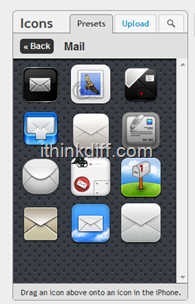
Maybe you’d like to add a new application so you can add an icon to it, easy!
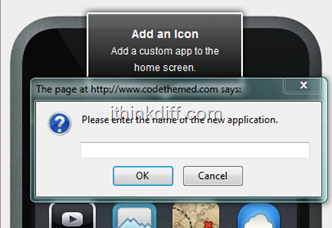
You can also edit the dock and background image/lockscreen image!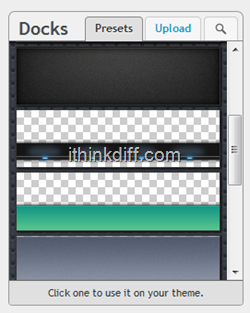
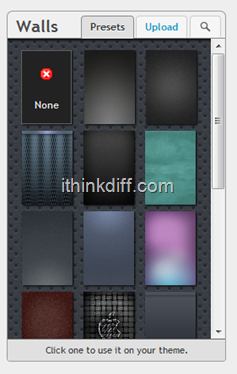
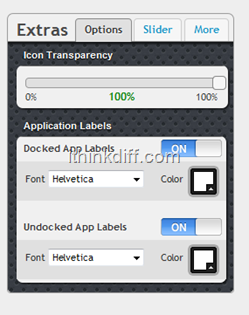
You can also change text fonts, remove them, change sliders although the latter isn’t available yet.
Honestly, I loved CodeThemed, and can’t wait to see what they have to offer in the upcoming days. They made making themes easier, so easy, that even a seven year old could make his own theme. If you have Twitter, give them a follow on their official Twitter account.




1 comment