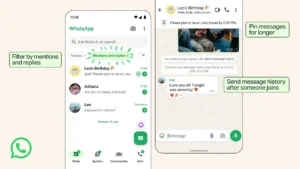
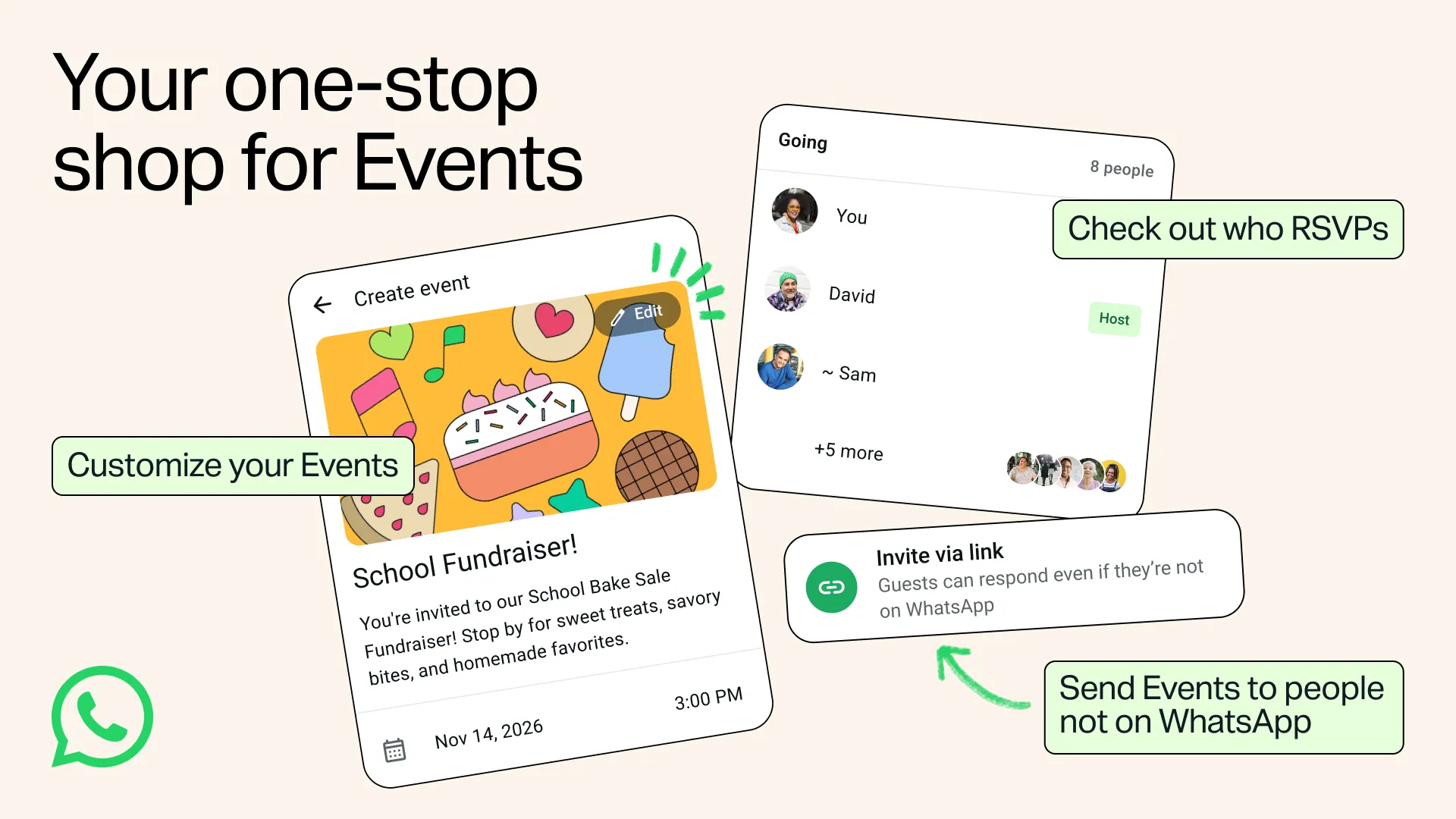
WhatsApp Events will let you invite friends who do not have a WhatsApp account, as per the latest update from WhatsApp. Your friends can open the invite link, see the event details and RSVP without downloading the app.
The update adds an Events Home to WhatsApp Settings, and WhatsApp started testing an Events hub in an Android beta back in September. The company says the updated Events feature is rolling out to everyone over the coming weeks, so it can take a while before the new Events section appears in your Settings.
WhatsApp Events Hides the Address Until Guests RSVP
Guests who do not have a WhatsApp account only see the event address after they RSVP. WhatsApp also does not show your phone number to guests you do not know.
To send an invite, you create the event, add a cover photo and share the link with your guests. WhatsApp says your personal messages and calls stay private and end-to-end encrypted.
The company announced the update on November 5 and is aiming it at holiday meetups.
Events Home Shows Every Event You Created or Were Invited To
You open Events Home by going to Settings and selecting Events. Events Home shows your past and upcoming events in one place, including the events you created and the events you were invited to.
From there you can also create and send customized invites and manage your RSVPs. The update adds custom reminders and the option to add a plus one.
Invitations you receive and events you host share the same list, so you can check a friend’s holiday plans without scrolling back through chats.
Event Invites Now Work Like Guest Calling and Apple Invites
On October 14, WhatsApp added guest calling, which lets people without an account join a call from a computer browser once the host approves them. Event invites now follow the same idea, since your guests only need the link.
Apple Invites already lets anyone join an event from the host’s link, though you need an iCloud+ subscription to create one. Guests open the link to RSVP and see the event in Apple Invites.
WhatsApp first added Events to Communities in May 2024 and expanded it to all group chats by August 2024.
In a group chat, you start an event from the attachment menu by selecting Event, then adding the event details, including a location and a call link. Group members get a notification and can respond.