Unlike Windows 7, Window 8 ships without Media Center, Microsoft’s TV viewing experience. For Windows 8, Microsoft decided to make it available as a paid upgrade. The good news for early adopters is that Microsoft is offering Media Center for free (for a limited time) to Windows 8 Pro users. Find out how to get free keys for Media Center after the jump!
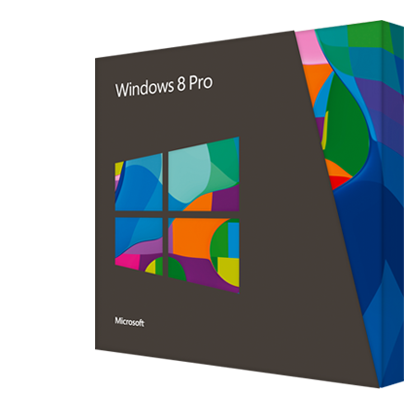
If you have a PC running Windows 8 Pro, head over to the Windows website and claim your free Media Center key. You will need to enter your email address to get the key and with each e-mail address, you can only obtain one product key for the Media Center Pack. You can use multiple email IDs to get more keys if you have multiple Windows 8 Pro running PCs.
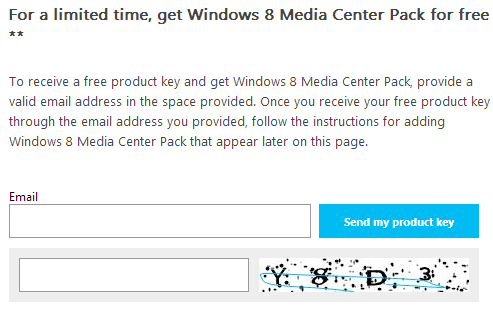
Once you get the product key by email, follow the simple steps below to download Windows Media Center to your PC:
- Open Start Screen and search for Add Features to Windows 8 which will be then shown in search results. Open it.
- In new windows opened, select I already have a product key and enter the product key you just have received.
- Proceed Next and accept license terms and then click Add features.
- Now Windows will start adding Windows Media Center and during the process, your PC will restart.
- After your PC restarts, you will see Windows Media Center tile in Start Screen.
The offer is only applicable to Windows 8 Pro users. Those running Windows 8 will have to purchase Windows 8 Pro Pack before getting Windows Media Center for free. The offer is for a limited time and valid until January 31, 2013.
Will you download the free Windows Media Center update for your PC? Share your opinion with us in the comments section below!


Windows Key + W – then type Add Features worked for me.