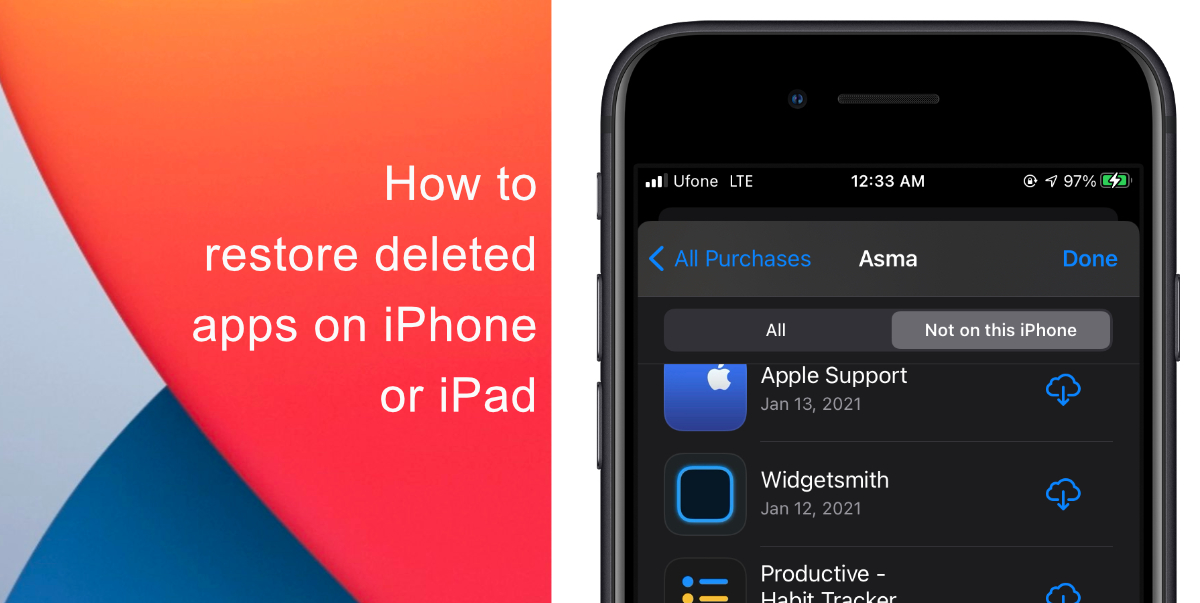
Sometimes you might delete an app in a hurry only to realize later that you need it. Or, you might delete an app on your iPhone or iPad and have the desire to install it back. It is possible you may not remember the name of the app and it can be difficult to search through thousands of results on the App Store. If that is the case, there is an easy way to restore any deleted app on your device. Learn how to restore deleted apps on your iPhone or iPad in a few simple steps.
Learn how to restore deleted apps on iPhone or iPad
- Launch App Store on iPhone or iPad.
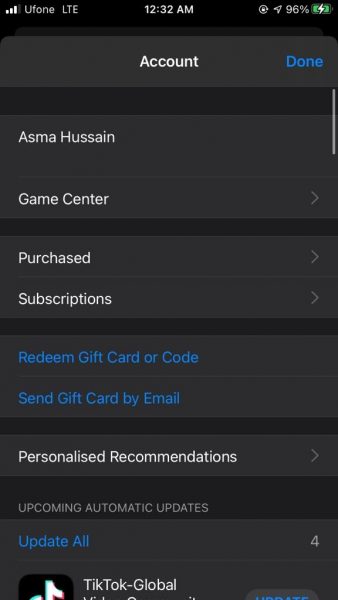
- Tap on your profile icon which is located at the top right corner.
- Next, tap on My Purchases or Purchased. If you use Family Sharing, your apps should be located in All Purchases.
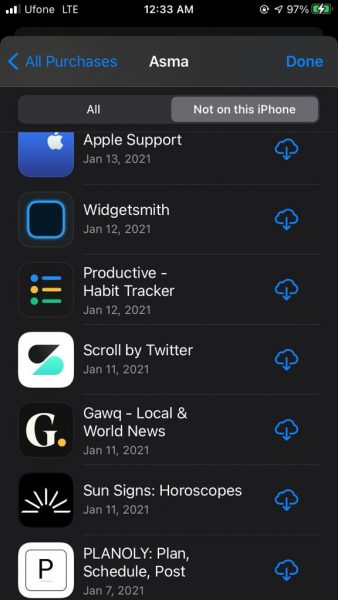
- Navigate to the Not on this iPhone tab.
- You will then see a list of all the apps that are no longer on your device. Tap the download button next to an app to recover it.
We hope this guide helped you learn how to restore deleted apps on your iPhone or iPad. If you have any questions, let us know in the comments below.
Read more:
- How to edit the date, time, or location of photos in iOS 15
- How to check if you have the latest AirTag firmware update
- How to download apps larger than 200MB over cellular data on iPhone
- How to hide like and view counts on new, existing and other users’ posts on Instagram
- How to use iOS 14.5’s app tracking transparency to block apps from tracking you
- How to reduce the size of your iCloud backup on iPhone and iPad
- Found an unknown AirTag moving with you? Here is how to disable it
- How to share iPhone screenshots without saving them to Photos
- How to unlock iPhone with Apple Watch while wearing a face mask
- How to use Screen Time to set a time limit for websites on iPhone and iPad


1 comment