The Notes app on your iPhone is super useful, allowing you to conveniently write down information for different purposes like grocery lists, to-do lists, etc. You can also share a note with other users on your iPhone. You can send the invitation through any third-party app and it would allow them to view the note and even make changes to it.
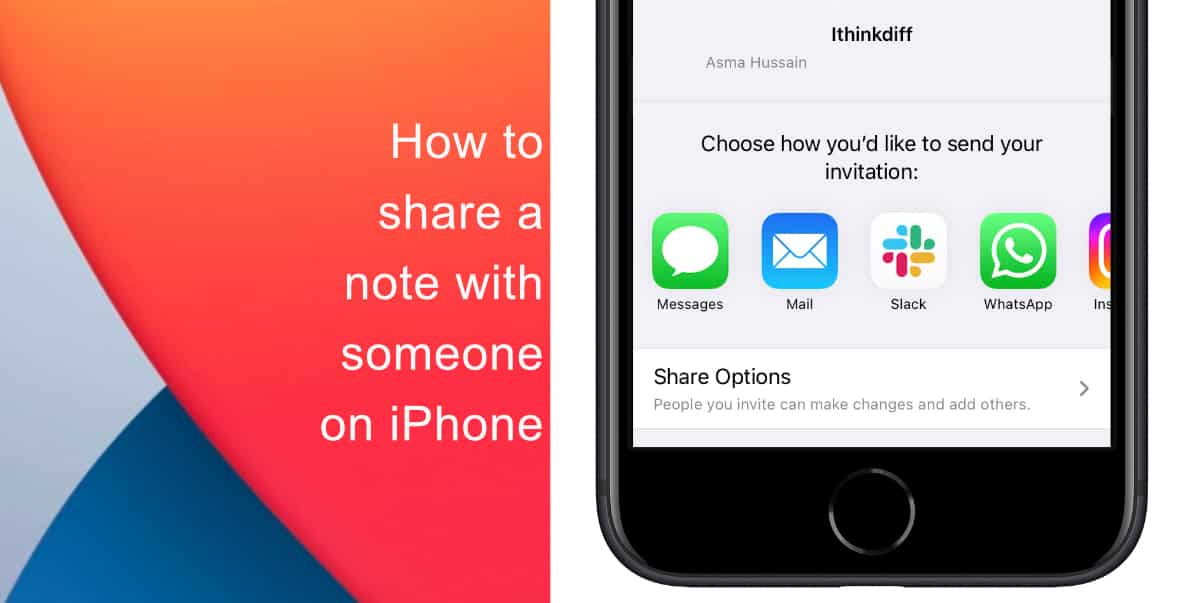
Learn how to share a note with someone on iPhone
- Launch the Notes app on your iPhone.
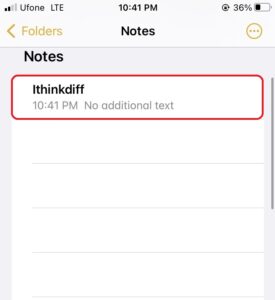
- Select the note you wish to share with someone.
- Tap on the icon with three notes in the top right corner of the screen to access additional options.
- Tap Share Note.
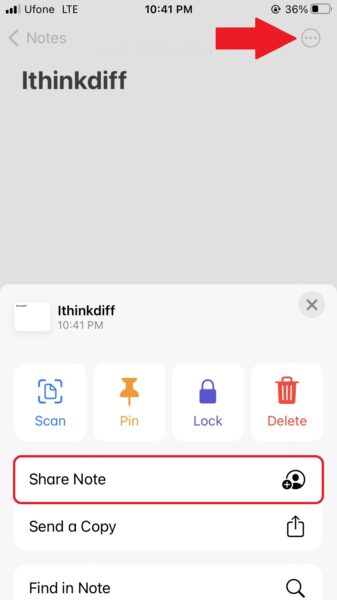
- In the share menu, tap on whichever app you want to share the note through like Messages, Mail, etc. You can also tap Share Options to find additional settings like if the users you share the note with have the permission to add more people. You will also find permission settings here which will allow you to decide if the users you share a note with can only view it or make changes to it.

We hope this guide helped you learn how to share a note with someone on iPhone. If you have any questions, let us know in the comments below.
Read more:
- How to easily enable “Conversation Boost” on AirPods 2, AirPods Pro, and AirPods Max
- How to change Siri voice and language on iOS 15, macOS 12, watchOS 8 and tvOS 15
- How to send expiring emails using Confidential mode in Gmail on iPhone and iPad
- How to set Gmail to delete Instead of archive in stock Mail app on iPhone & iPad
- How to clear cookies from Safari without deleting your browsing history on iPhone & iPad
- How to automatically and manually send text messages instead of iMessages on iPhone
- How to clear cookies from Safari without deleting your browsing history on iPhone & iPad
- How to use an email instead of a phone number for iMessage on iPhone & iPad
- How to turn on rain and snow notifications for your current location on iPhone
- How to use iOS 15 portrait video and audio effects in any app including Instagram, Snapchat and TikTok