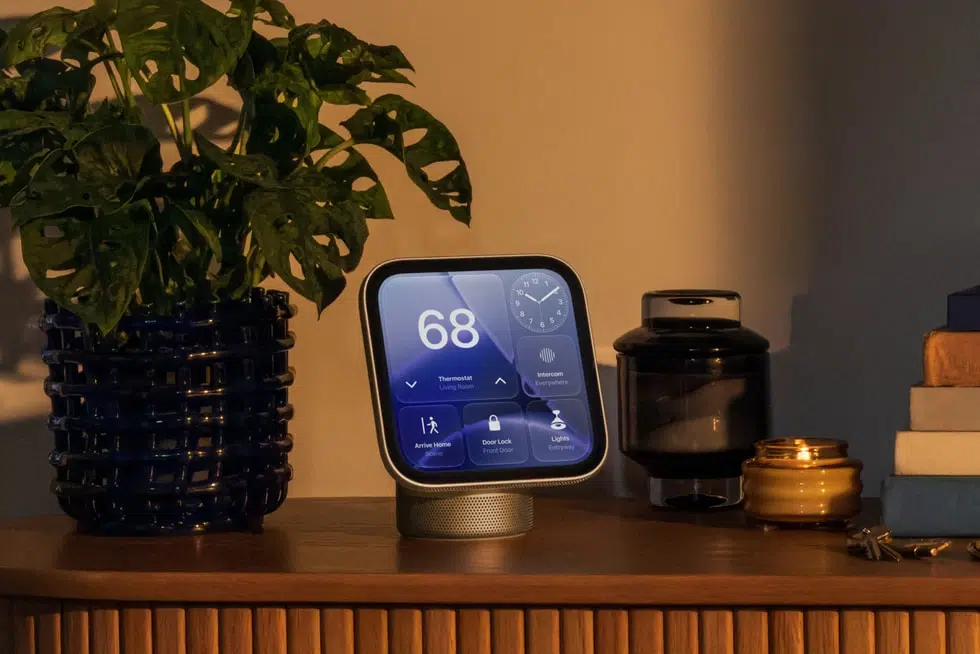
Download Apple HomeView wallpapers in their full resolution. These are 20 square images at 1088 by 1088 pixels, the same resolution as the HomeView display. That makes them sharp on the device and a crop job on any iPhone or iPad, since those screens are taller.
The wallpapers come from HomeView Software 27.2, and the set is far bigger than the two OLED iPad mini wallpapers, which are portrait files.

Eight of the 20 HomeView Wallpapers Are Soft Gradients
The gradients are the biggest group, with eight curved, softly lit shapes that run from slate blue and olive green to burgundy, taupe, navy, rust orange, magenta and charcoal. The environments, illustrations and materials get four wallpapers each.
The four environment wallpapers are the busiest, with angled architectural shapes and leaf silhouettes in copper, indigo, deep green and olive. The illustrations are fish with translucent, ruffled fins, drawn in blue, pink, teal and silver-white.
The material wallpapers repeat one glossy oval set into a curved frame in four close shades of black and graphite. They are the darkest of the set, which suits a display that dims for nightstand use.
Saving a HomeView Wallpaper Takes Four Steps
Tap or click on any image to open the full-resolution file:


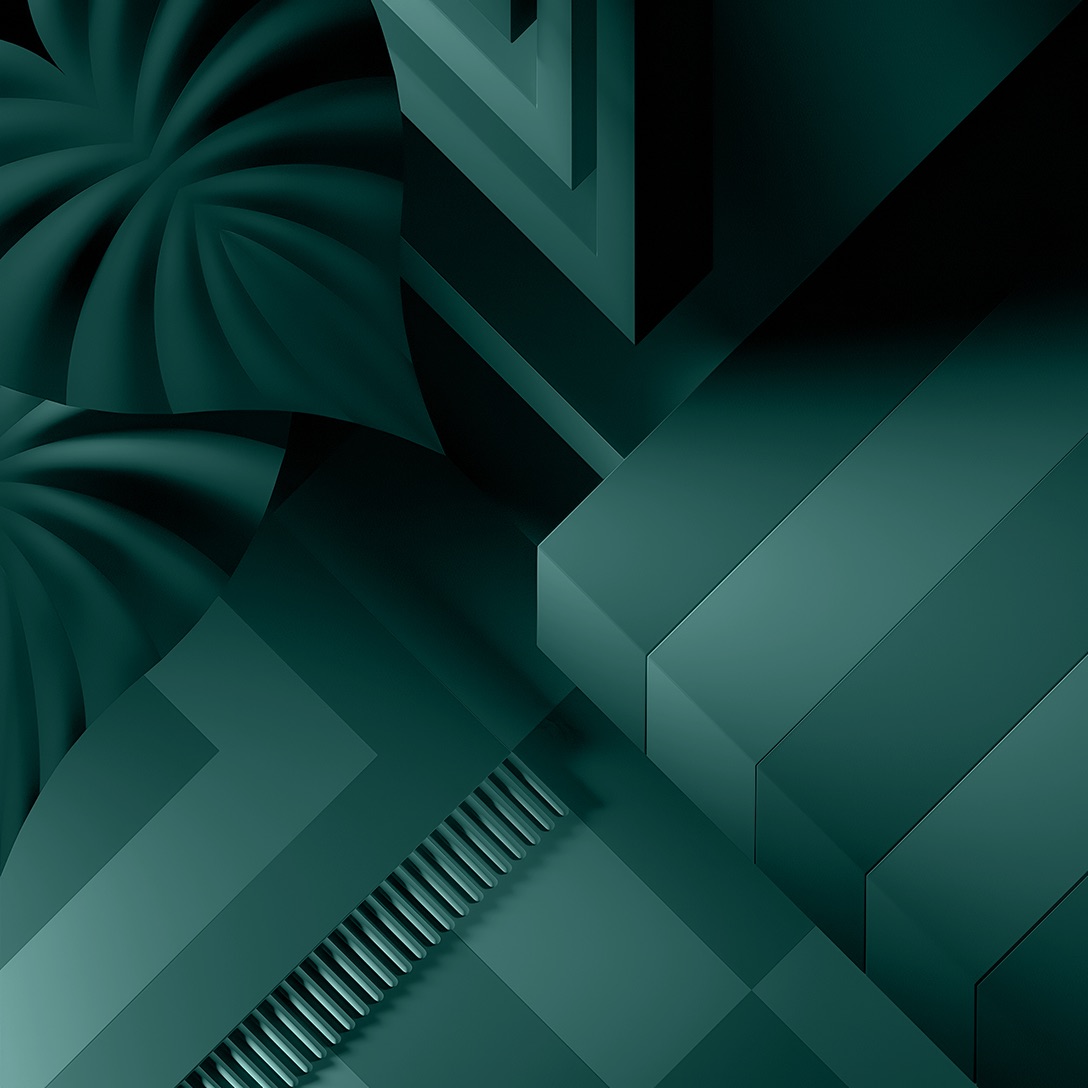

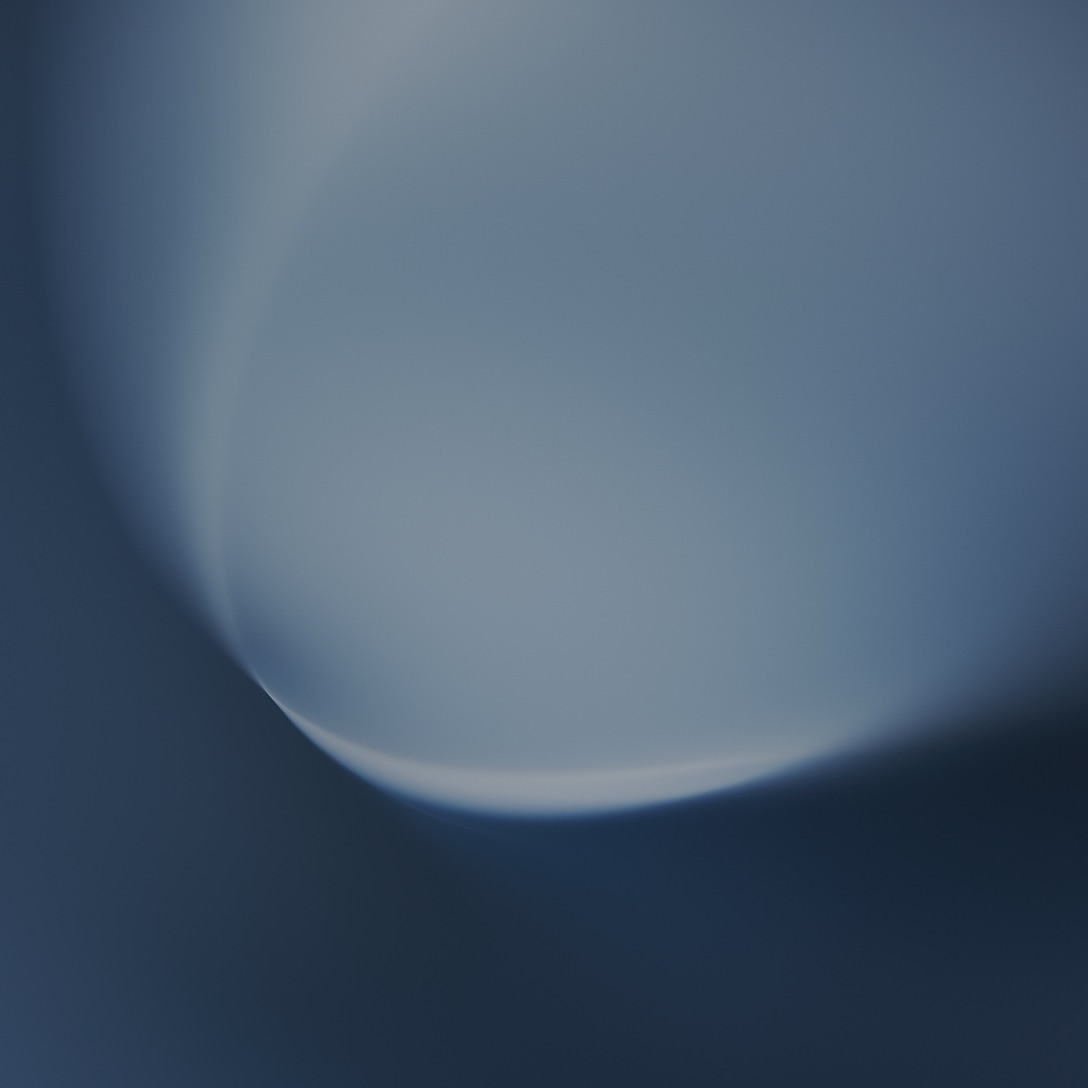
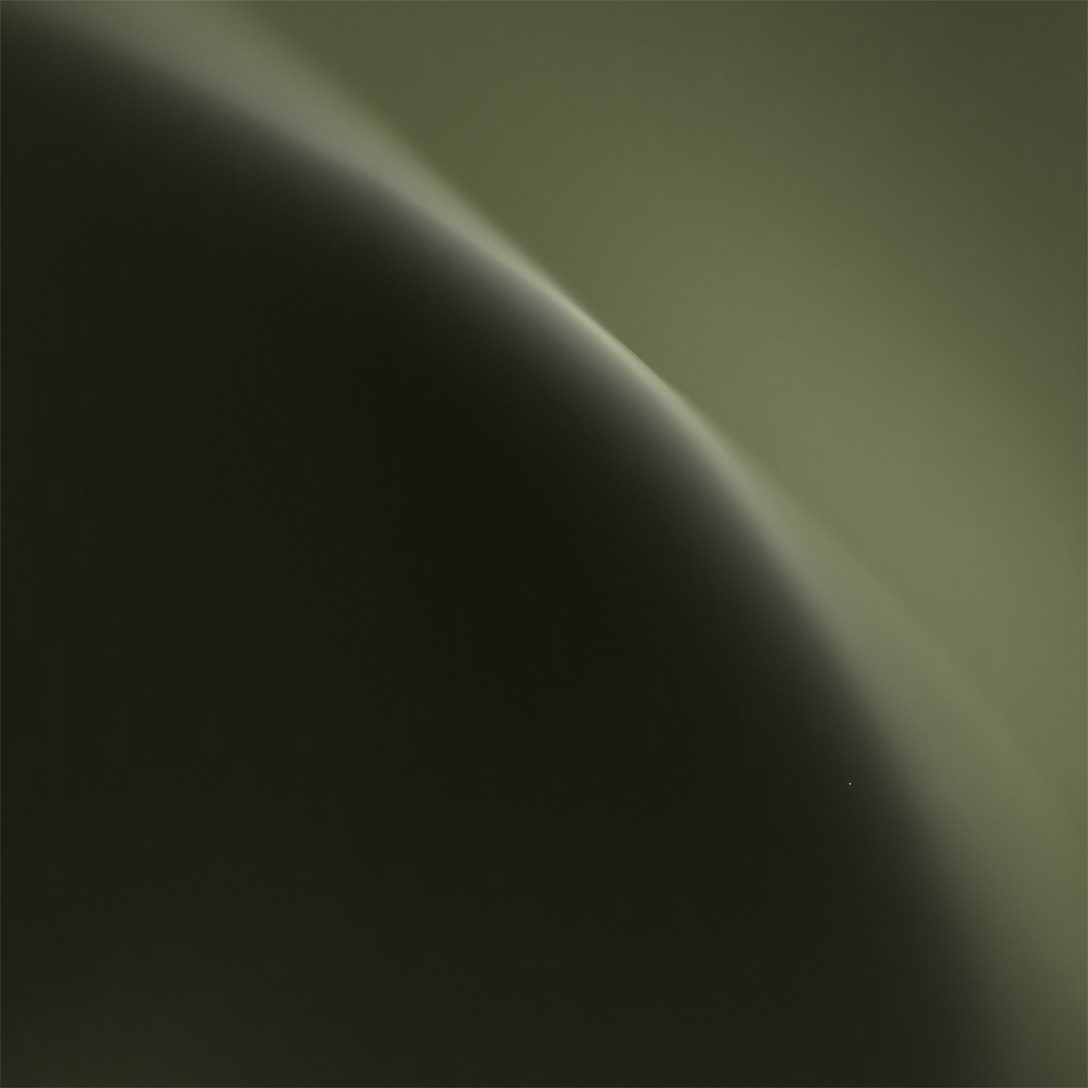
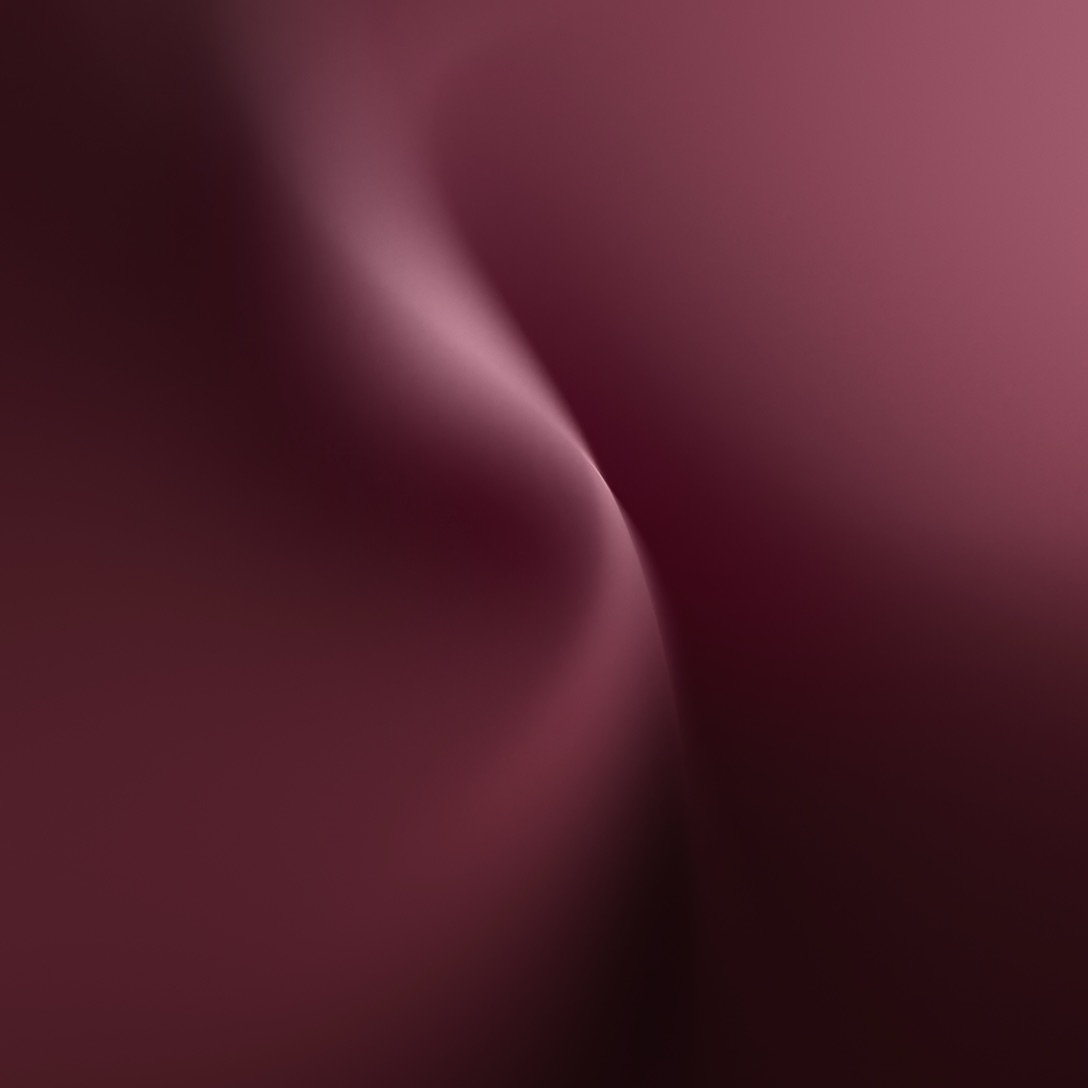
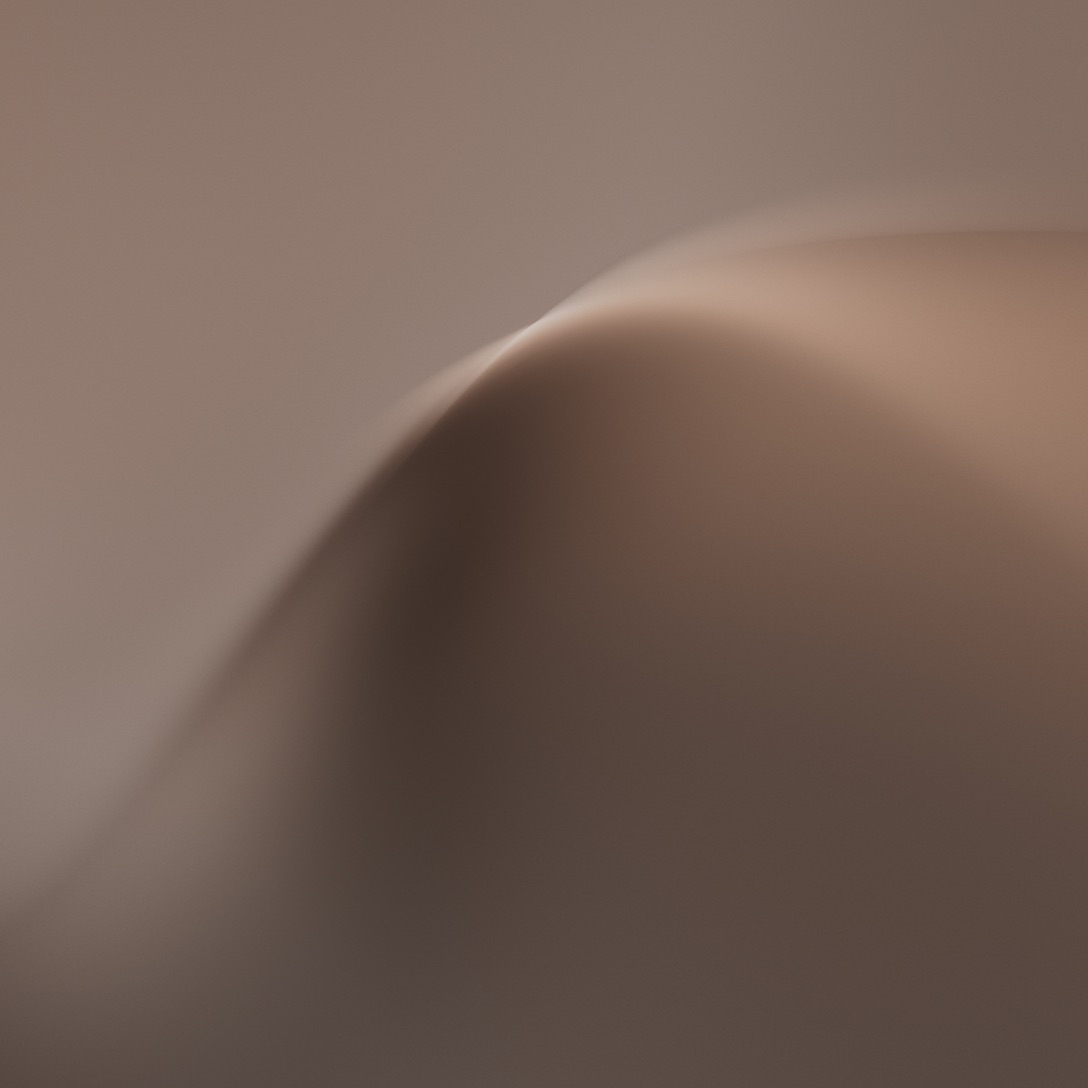
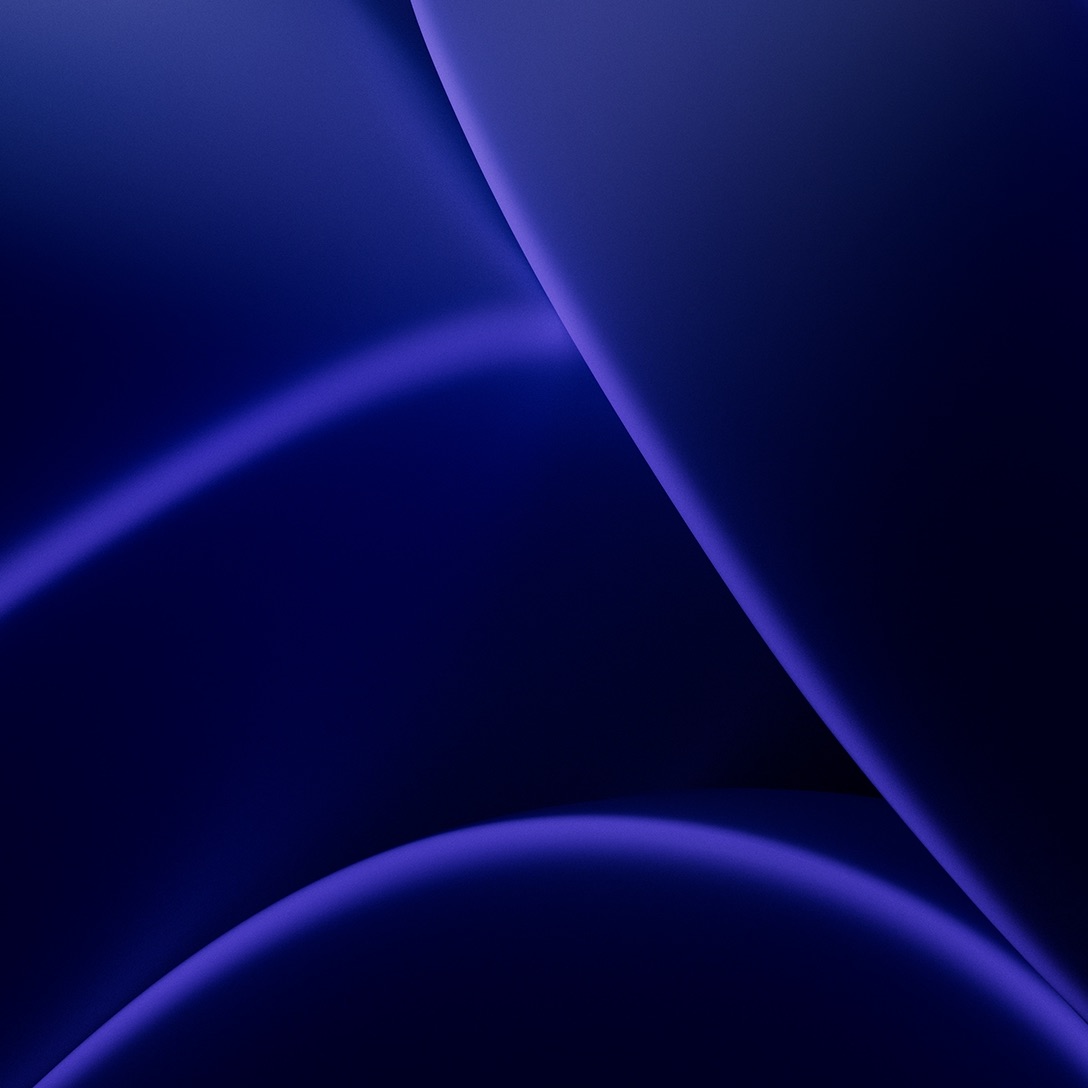
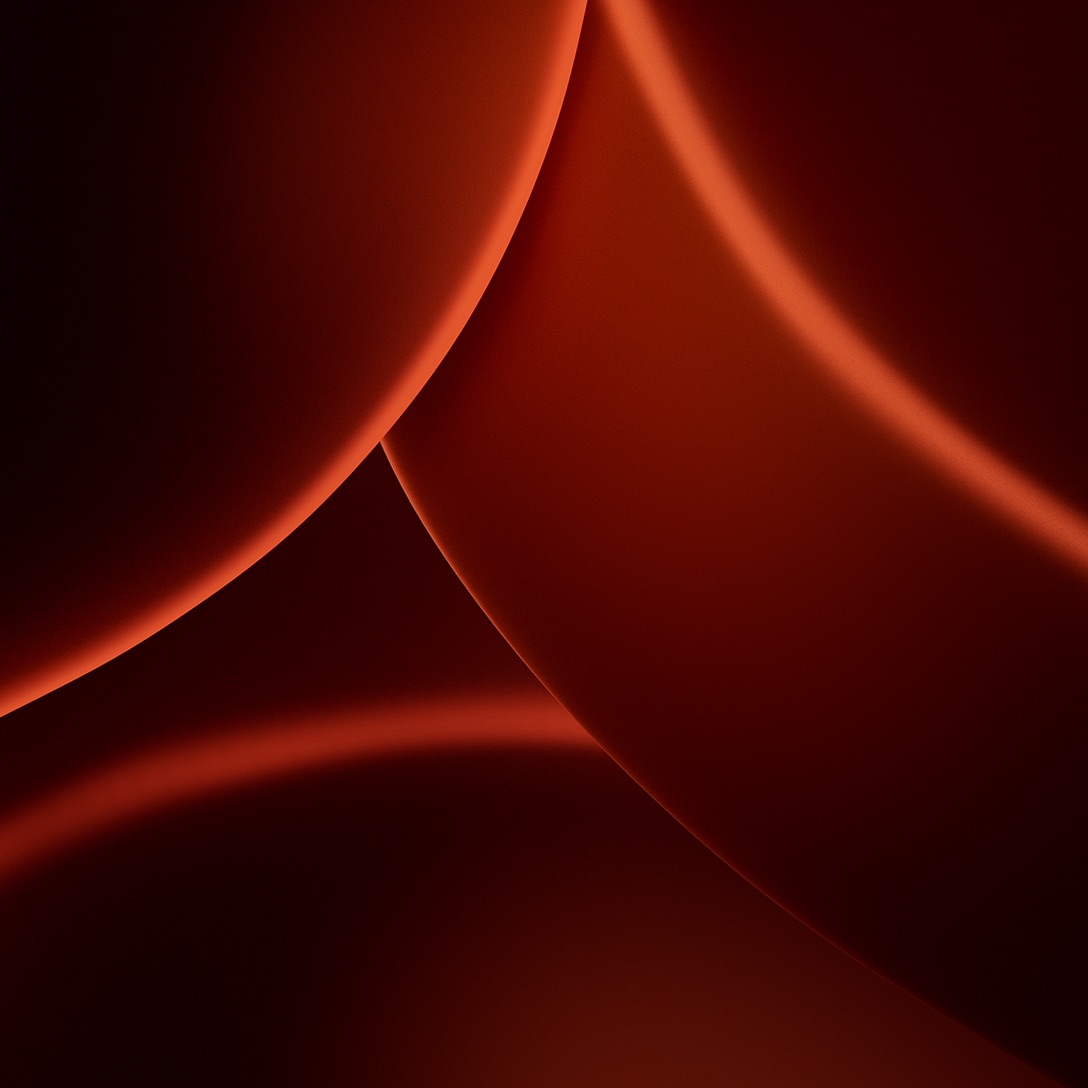
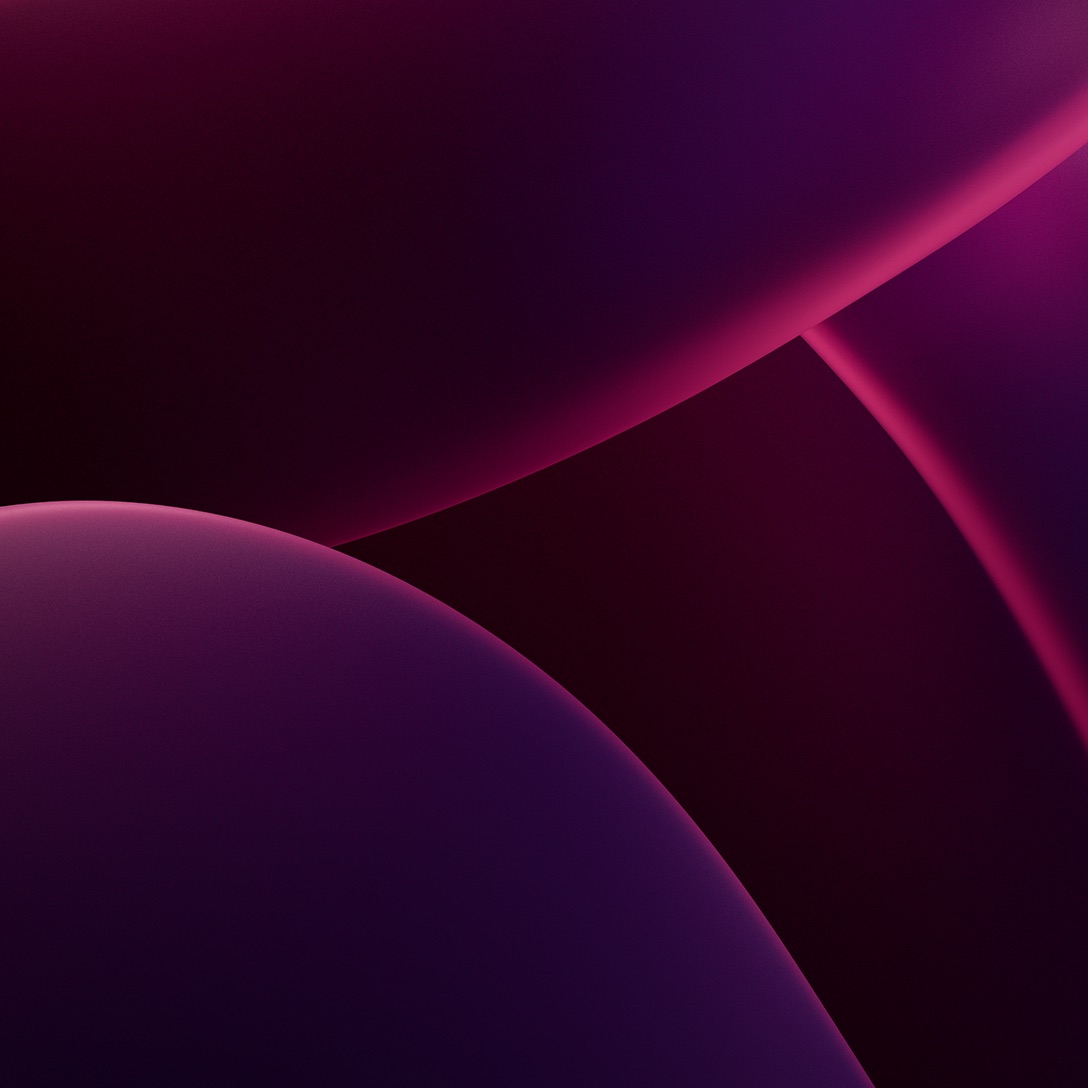
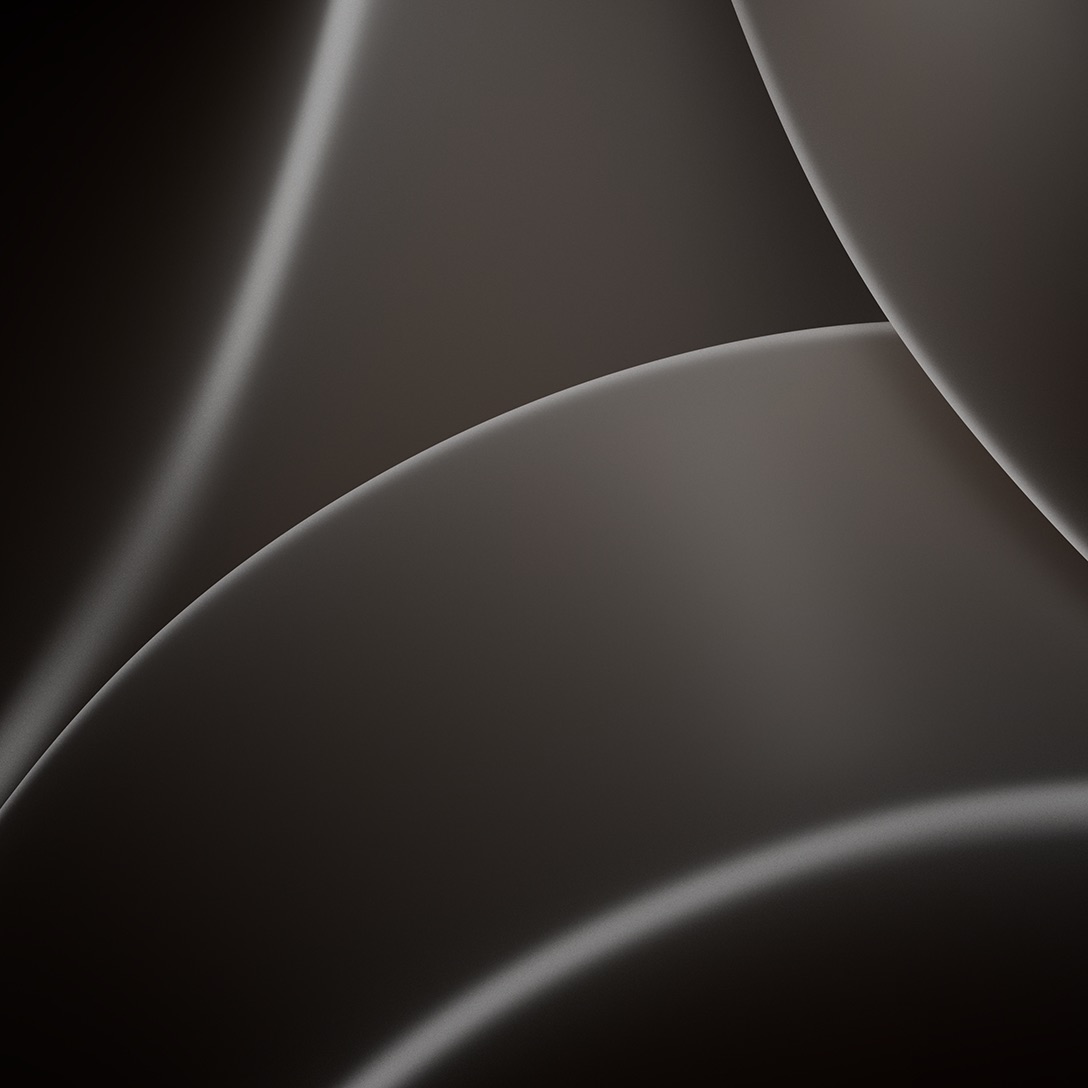
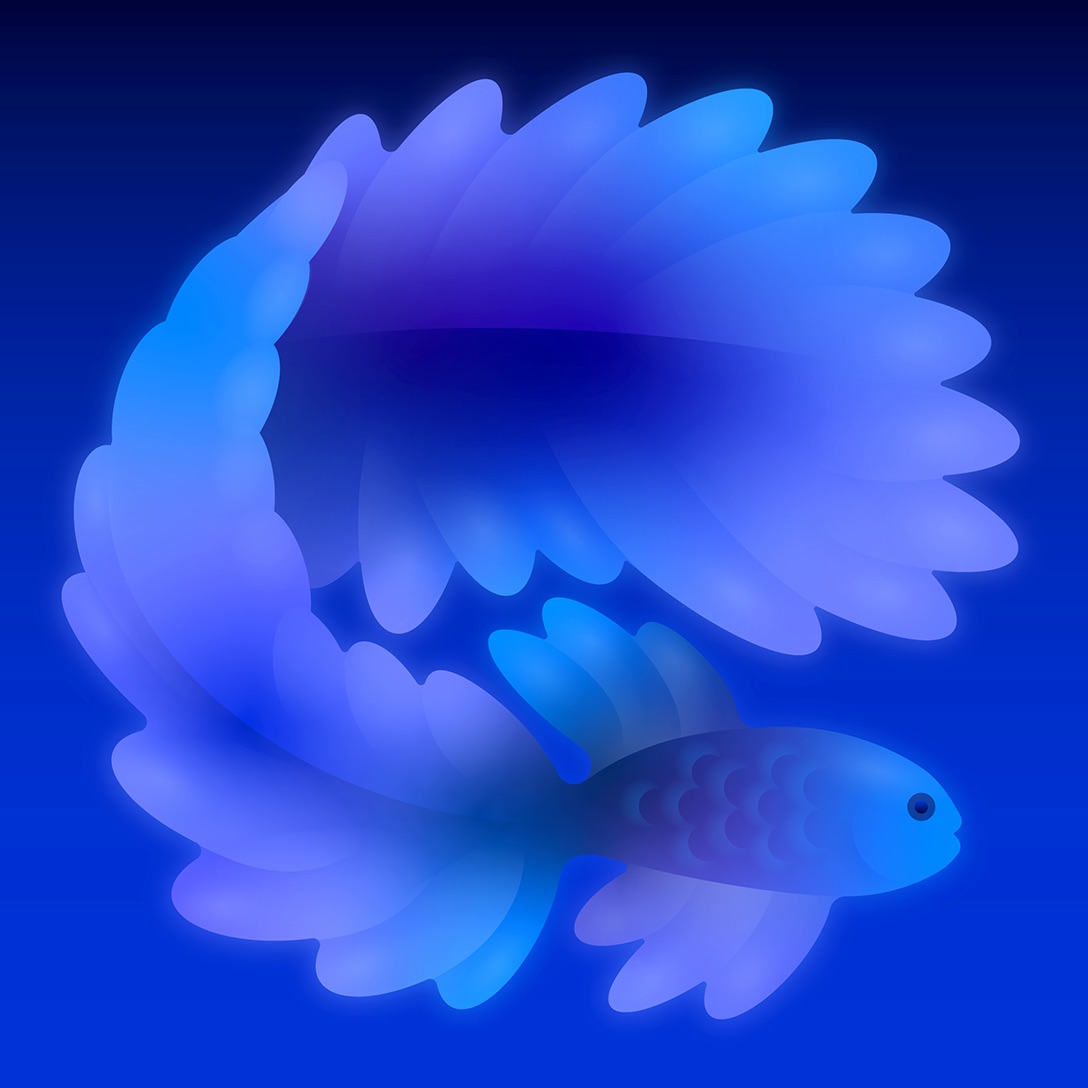
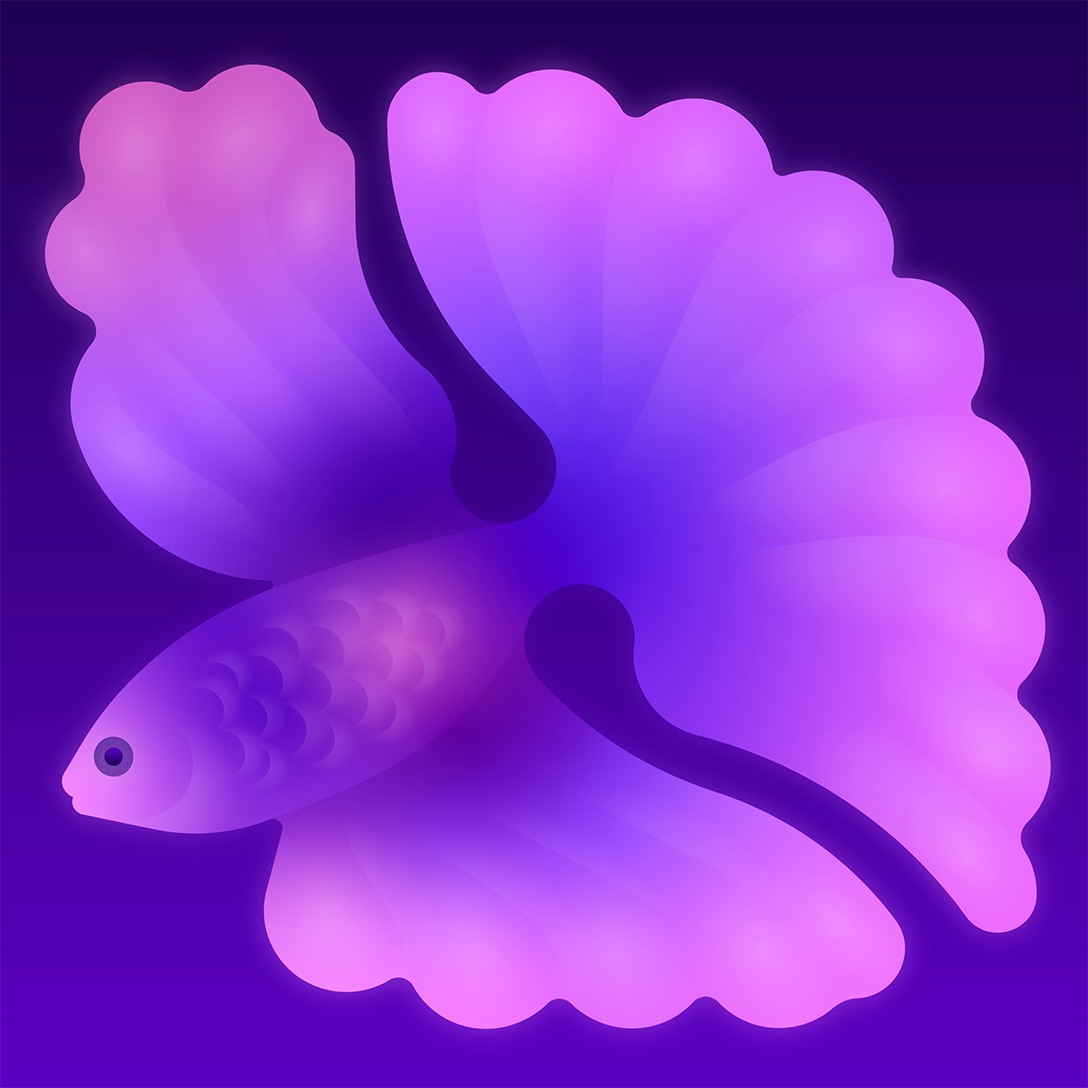
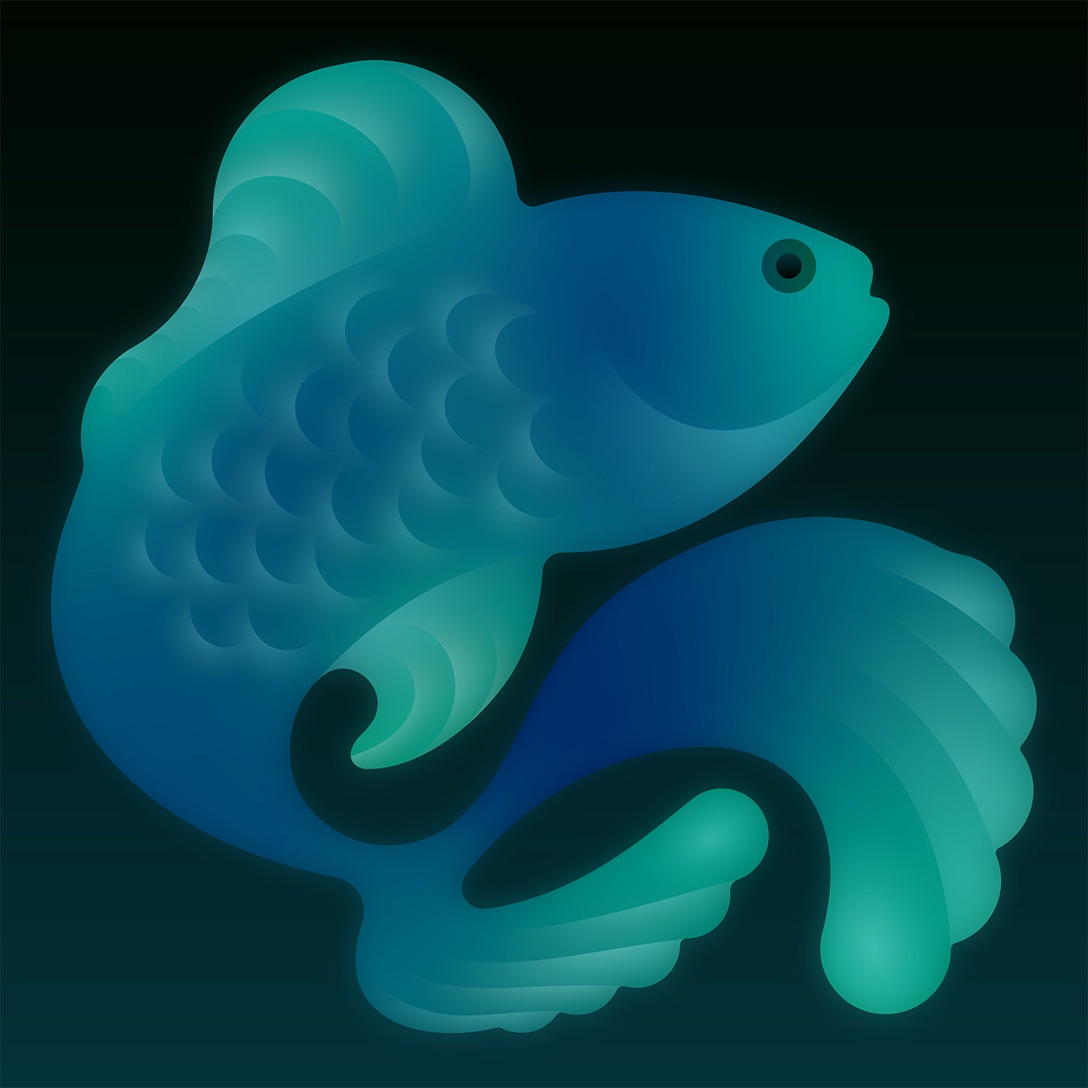
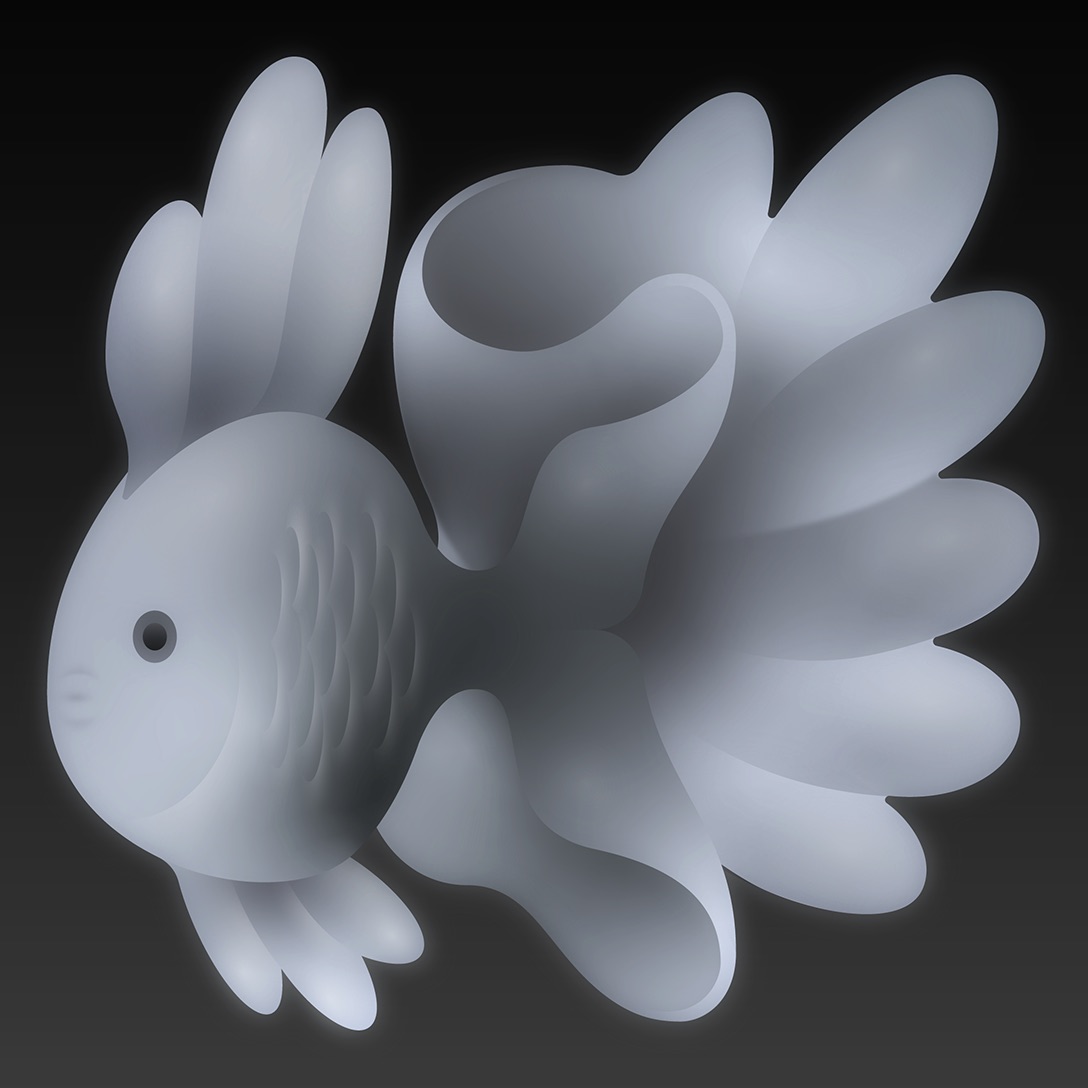
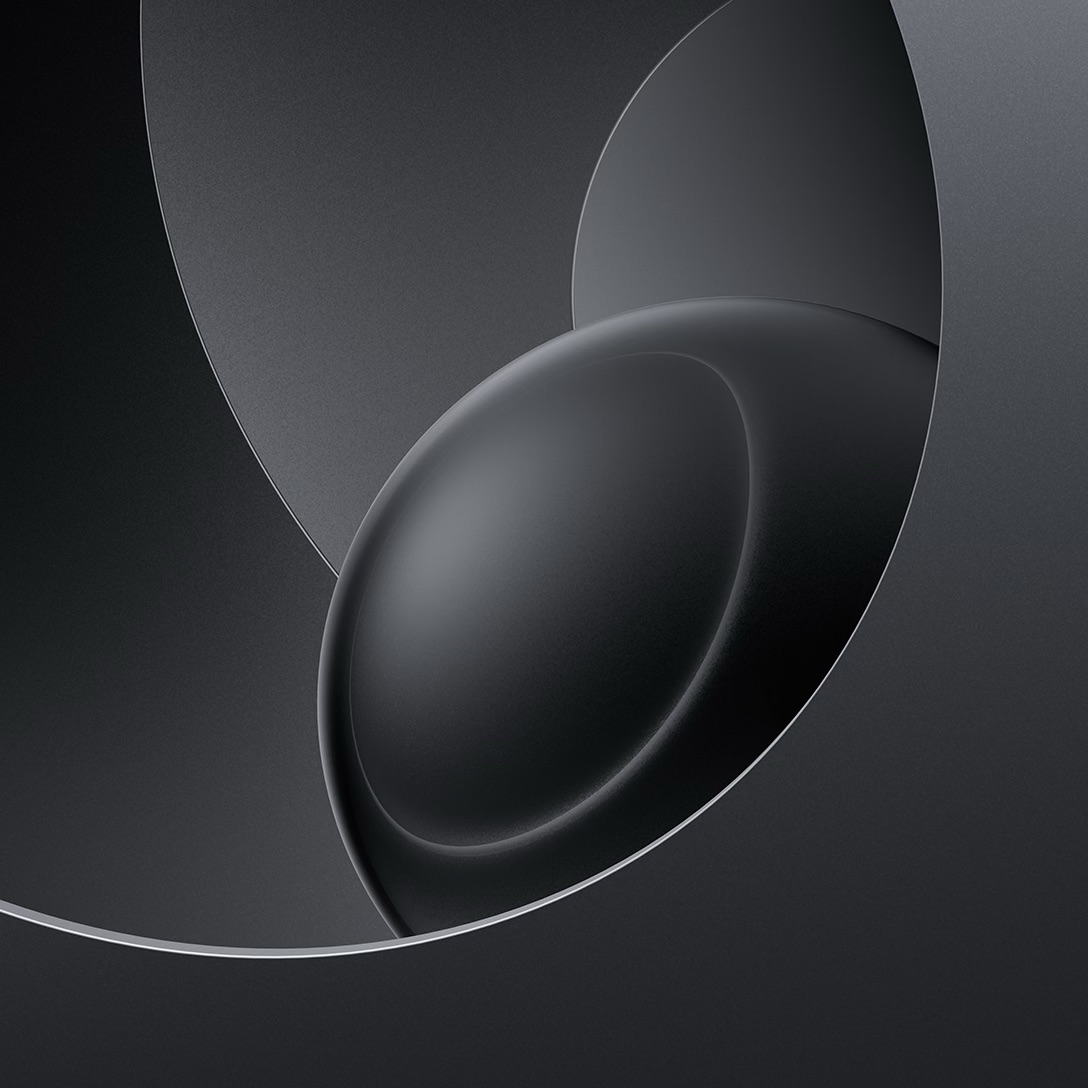
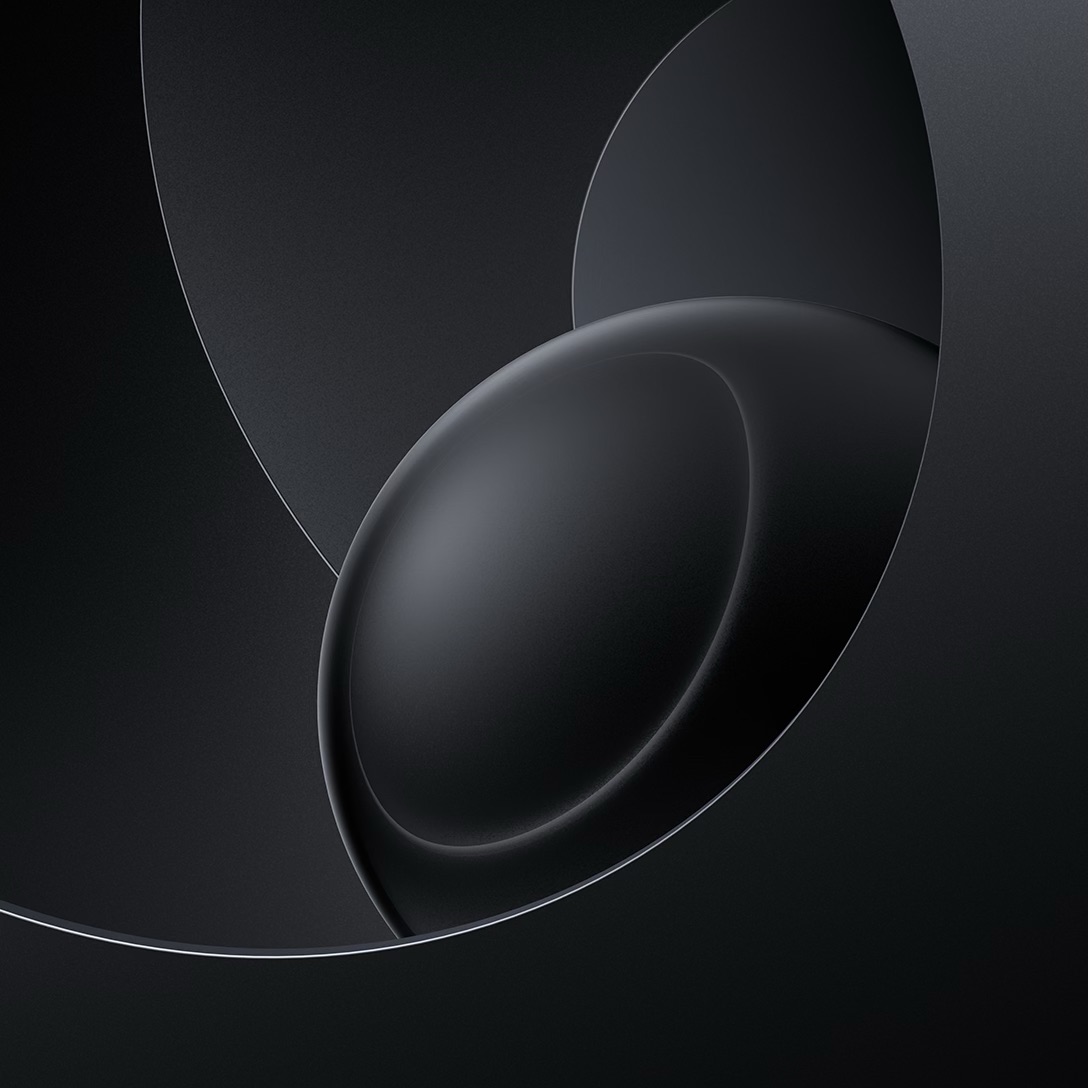
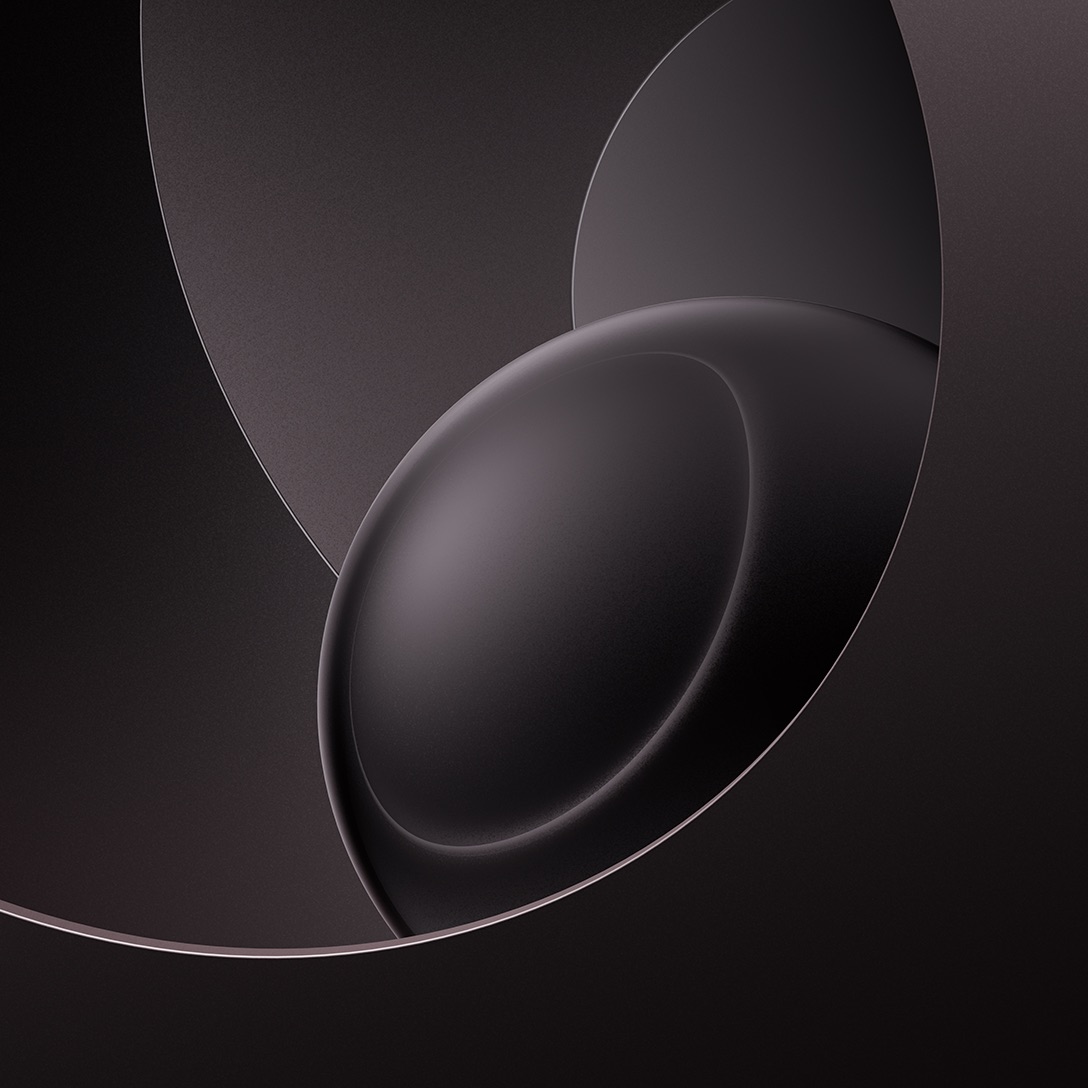
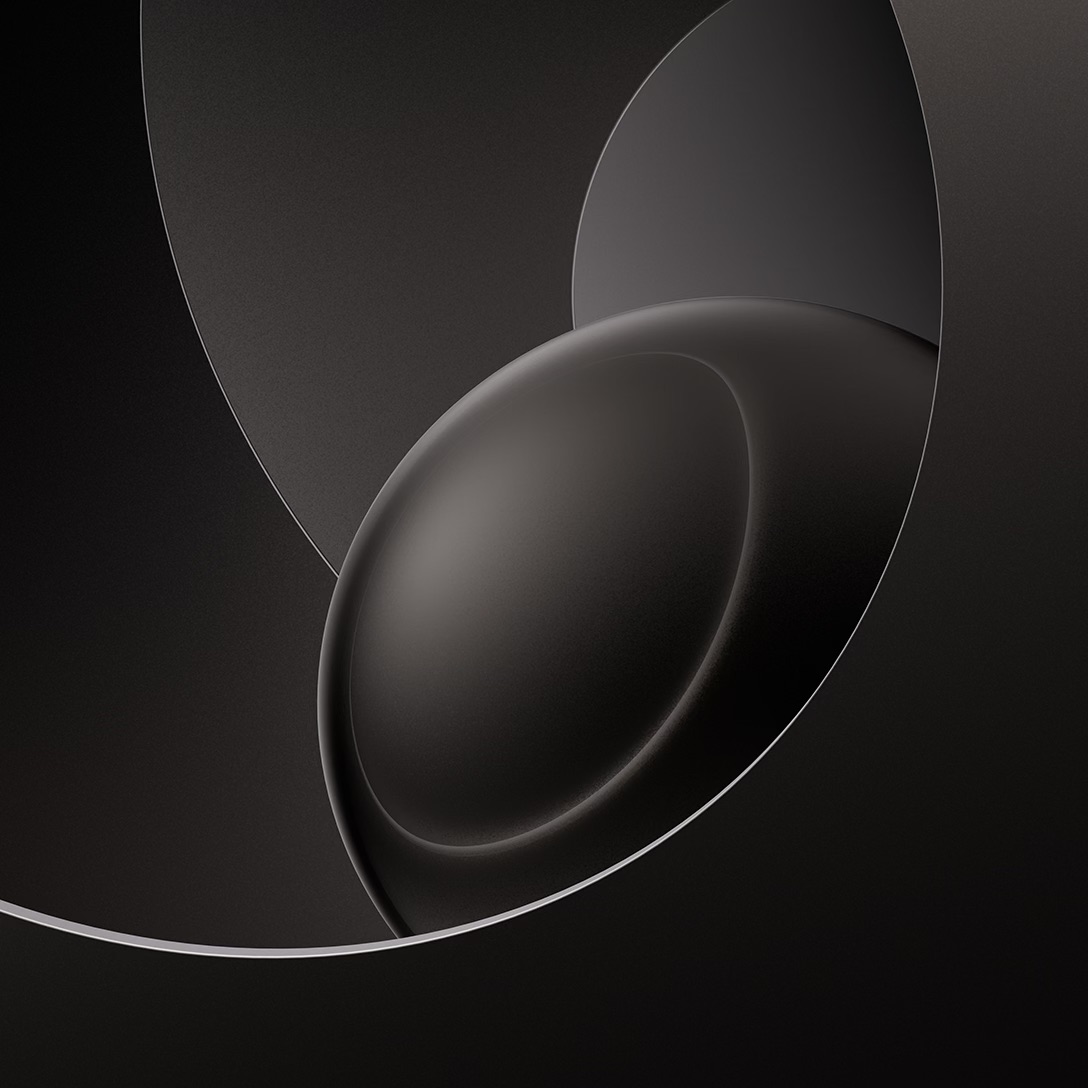
- Open an image, press and hold it, then tap Save to Photos.
- Go to Settings > Wallpaper > Add New Wallpaper and tap Photos.
- Select the saved wallpaper, then pinch or drag to adjust the crop.
- Tap Add, then choose the Lock Screen, the Home Screen or both.
The files are static images, so they will not animate or switch with Light and Dark Mode. The fish and material wallpapers keep their subject in the center, so a portrait crop mostly trims background, while the environment and gradient wallpapers fill the whole square and lose part of the pattern.
HomeView Faces Include Photos, Flow and Snoopy
HomeView changes its look through faces such as Photos, which adds portrait-style depth effects to a shared album, and Flow, which reacts to movement in the room. Snoopy changes with the time of day, weather, sports and holidays. Home Modular puts favorite accessories on screen, and Home Camera shows up to nine camera feeds at once.
Setup needs an iPhone running iOS 27.2 or later, or an iPad on iPadOS 27.2 or later, and face recognition gives each of up to six people a personal Home Screen.