With iOS 16, you can easily duplicate photos and videos through the Photos app on your iPhone. You may want to duplicate photos or videos before cropping, editing, or otherwise modifying them on your iPhone. Keep reading to learn how to duplicate photos using iOS 16 on your iPhone.
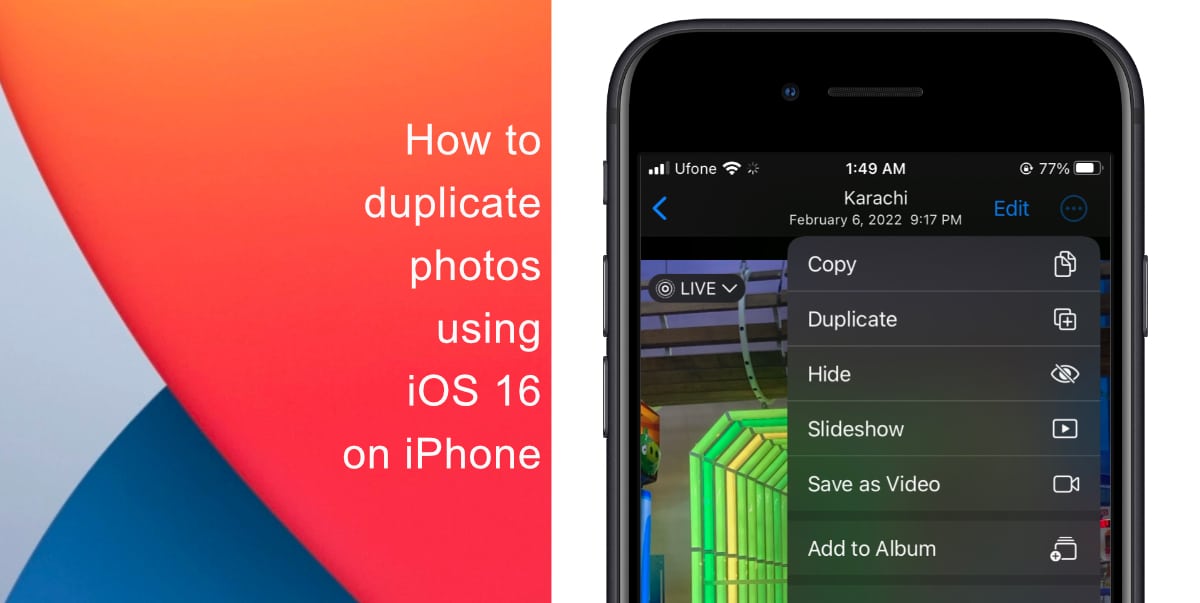
Learn how to duplicate photos using iOS 16 on iPhone
Before you attempt to duplicate photos, make sure that your iPhone is running iOS 16. Learn how to install the latest software update here if you have not done so already.
- Open the Photos app on your iPhone.
- Locate the photo or video you want to duplicate and make a copy of and tap on it.
- Tap on the (…) button in the corner to access more options.

- Tap on Duplicate to make a copy of the photo or video.
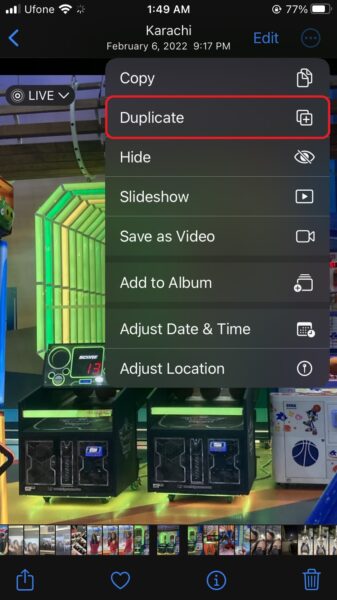
You can edit, modify, or do whatever else you wish with the cloned image or video after it appears in your picture library. You can continue this procedure to duplicate other images. Alternatively, you can select many images to duplicate a collection of images or videos.
We hope this guide helped you learn how to duplicate photos using iOS 16 on your iPhone. If you have any questions, let us know in the comments below.
Read more:
- How to restart or force restart the iPhone 14 and iPhone 14 Pro
- Bug causing iPhone 14 Pro to freeze after data transfer? Try this Apple-approved fix
- How to turn off Always-On display on iPhone 14 Pro or iPhone 14 Pro Max
- How to convert a physical SIM to eSIM on iPhone 14
- How to use Emergency SOS via satellite on iPhone 14
- Fix “Unable to Verify Update” issue when updating to iOS 16
- iOS 16 always shows status bar text in white, here’s a fix
- How to delete duplicate photos on your iPhone with iOS 16
- How to use Live Captions in iOS 16 to transcribe any content
- Make album art larger on iOS 16 lock screen with this tip
- iOS 16 causing Wi-Fi and Bluetooth issues? Here are some fixes
- iOS 16 home screen search button can be disabled – here’s how
- iOS 16 showing Lock screen notifications at the bottom of the screen? Here’s a fix
- iOS 16 hides the iMessage voice record button behind a menu


