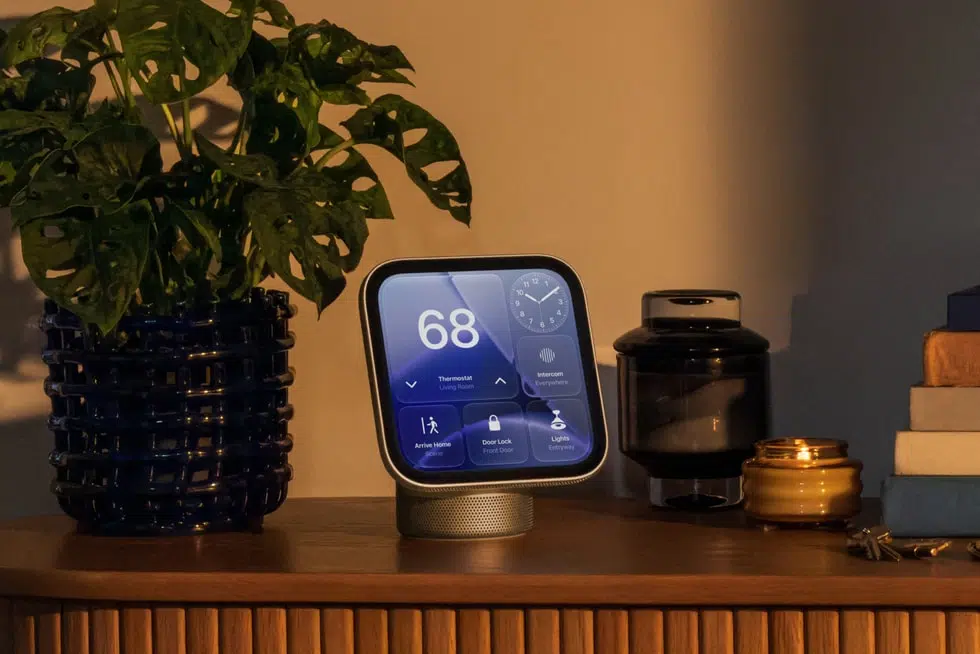
A HomeView security camera mode has reportedly turned up in software 27.2, with settings for streaming and recording through HomeKit Secure Video. A green light would appear on the display and a sound would play whenever someone views the camera or it starts to record.

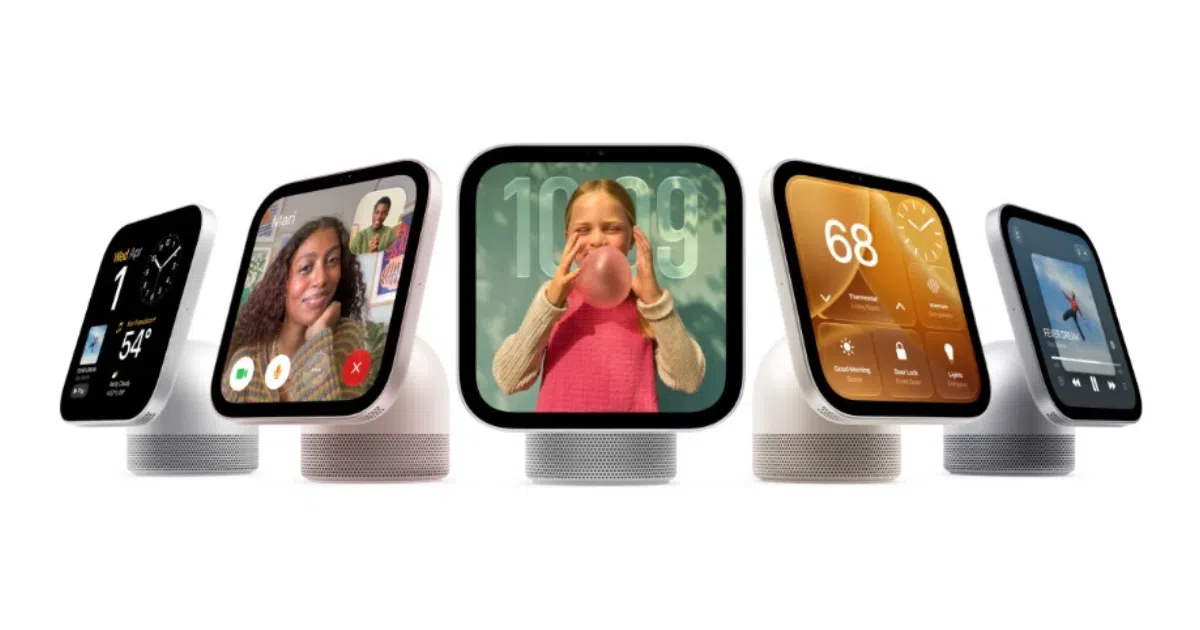
HomeView launches November 13 with a Center Stage camera for FaceTime calls and face recognition. Apple has not announced a security camera role for it.
pdfu posted the settings text from HomeView software 27.2 to X on October 31. Face recognition, activity zones and other camera settings would stay in the Home app on your iPhone.
— pdfu (@itspdfu) October 31, 2026
The HomeView Security Camera Mode Has Four Settings
Once HomeKit Security Camera is turned on, the camera can be used for activity detection, streaming and recording. The Streaming and Recording Options menu then offers four settings:
- Off means HomeView does not detect motion, stream or record, and home members cannot stream in real time.
- Detect Activity means HomeView detects motion but does not stream or record, and real-time streaming stays unavailable.
- Stream lets home members stream in real time, but HomeView does not record.
- Stream & Allow Recording lets HomeView stream and record, so home members can watch live or view recordings.
A second menu sets when the camera detects, streams or records, with When Home, When Away and When Asleep options. HomeView uses the location of your iPhone and other home members’ devices to know when someone is home or everyone is away, and you can change which devices count in iCloud Settings. Streaming and recording can only be turned on from the display while people are home.
Only Home Members Can View the HomeView Camera
Camera streams and recordings are limited to home members. Every home member also gets a notification when HomeKit Secure Video settings change.
At launch, the A18 chip processes HomeView’s camera and microphone feeds in Secure Exclaves, which HomeView software, apps and Apple cannot access. HomeView uses those feeds to recognize each person by face and voice.
HomeView Would Go From Showing Cameras to Being One
HomeView will livestream up to nine camera feeds at once through its Home Camera face. The security camera mode would make the display a camera in its own right, alongside Apple’s own cameras in the Apple Home Collection, which start arriving in December.
HomeKit Secure Video is an iCloud+ feature, and the number of cameras depends on your plan, with one camera on the 50GB plan, up to five on the 200GB plan and an unlimited number on 2TB and above. A HomeView set up this way would count toward those camera limits. Recordings are end-to-end encrypted and do not count toward your iCloud storage.